




.gif)
Select Wall: Kora Studio reads the wall and auto-generates panel divisions.
Adjust Divisions: Use the Calculator Tool (basic math inputs) to tweak spacing; edit horizontal lines to change vertical measurements (and vice versa).
Delete Tools: Remove individual grid segments or entire lines.
Addition Tool: Add vertical or horizontal divisions with one click.
Select Wall: Kora Studio reads the wall and auto-generates panel divisions.
Adjust Divisions: Use the Calculator Tool (basic math inputs) to tweak spacing; edit horizontal lines to change vertical measurements (and vice versa).
Delete Tools: Remove individual grid segments or entire lines.
Addition Tool: Add vertical or horizontal divisions with one click.
.gif)
Select Wall: Kora Studio reads the wall and auto-generates panel divisions.
Adjust Divisions: Use the Calculator Tool (basic math inputs) to tweak spacing; edit horizontal lines to change vertical measurements (and vice versa).
Delete Tools: Remove individual grid segments or entire lines.
Addition Tool: Add vertical or horizontal divisions with one click.
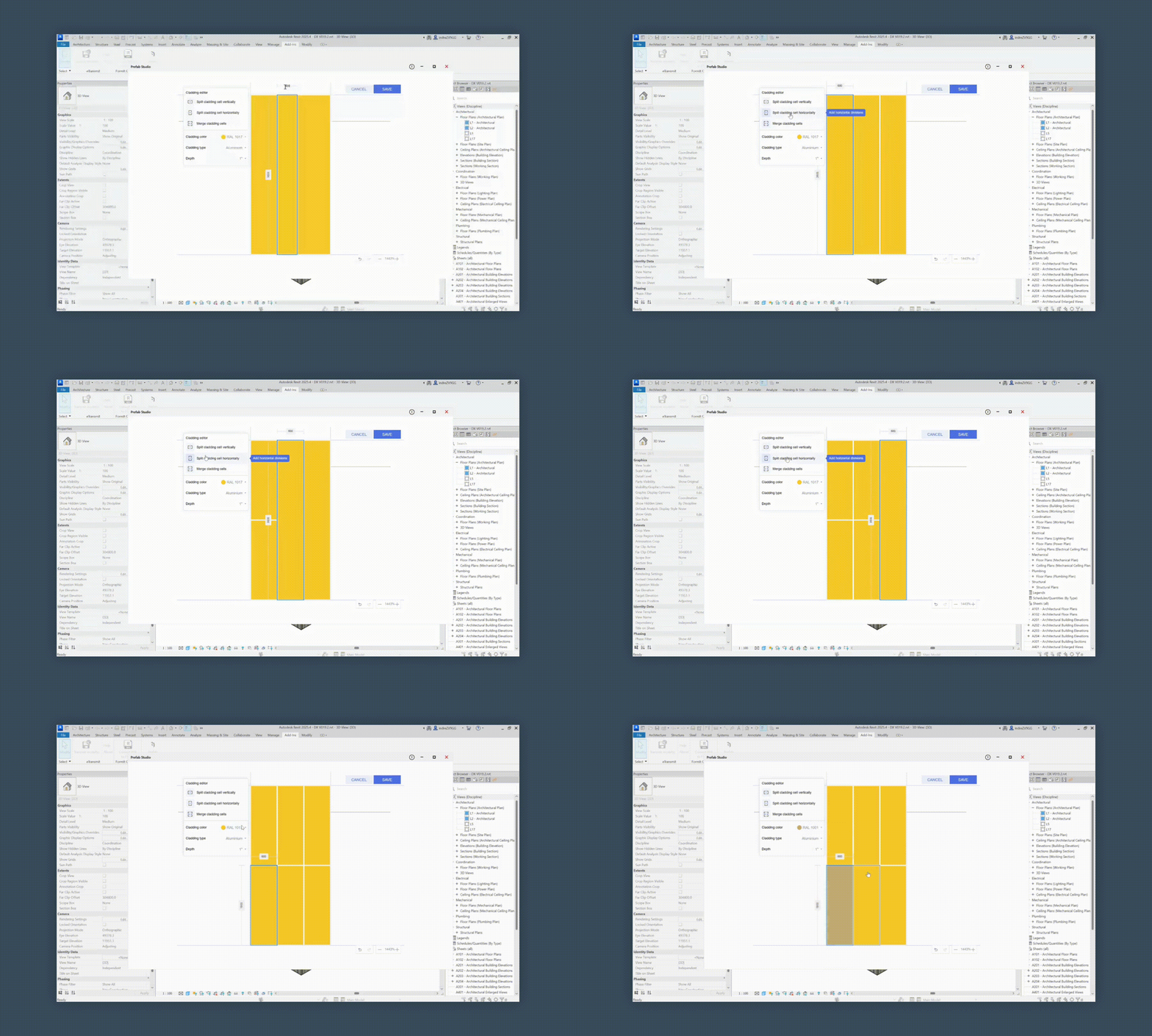
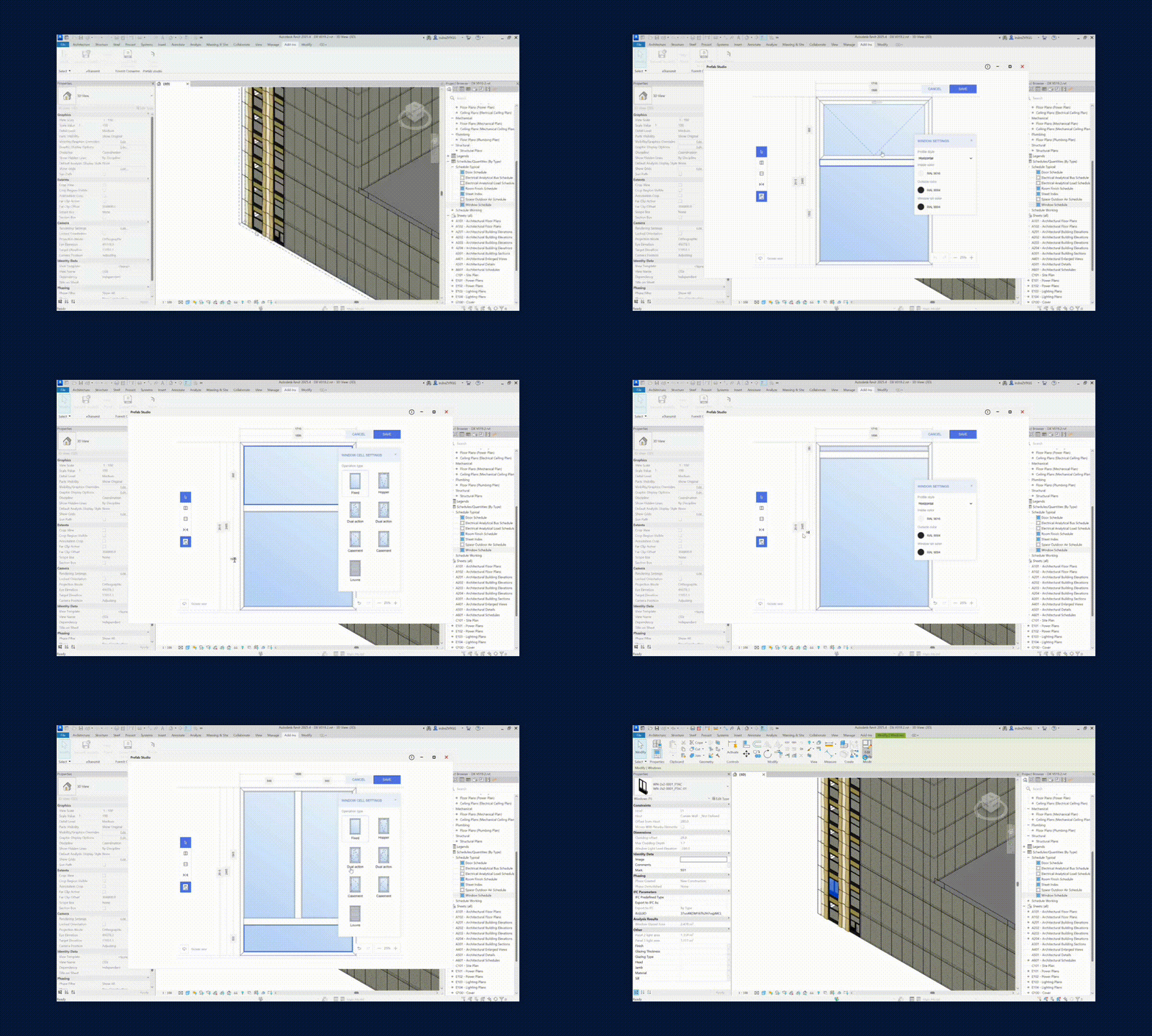
Enter Edit Mode: Click the panel’s edit icon (starts with single cladding by default).
Add Window: Insert, then resize/reposition using the Calculator Tool.
Split/Merge Cladding: Divide vertically or horizontally, or merge selected areas.
Finish Controls: Change color (RAL), material (Aluminum/ACM), and depth (predefined increments).
Enter Edit Mode: Click the panel’s edit icon (starts with single cladding by default).
Add Window: Insert, then resize/reposition using the Calculator Tool.
Split/Merge Cladding: Divide vertically or horizontally, or merge selected areas.
Finish Controls: Change color (RAL), material (Aluminum/ACM), and depth (predefined increments).



