Design complete façades in minutes

inside Revit.

Parametric families, design freedom, automatic light & air calcs, and instant cost/performance insights — all within your existing workflow.
Laptop
01
02
03
04

Where Innovation Meets
Partnership

80%
faster delivery
30%
reduction in redesign cycles
0
obligations
100%
ownership

How it works

01

Open Revit Plug In

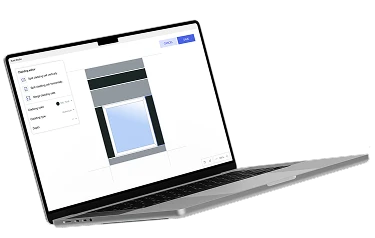
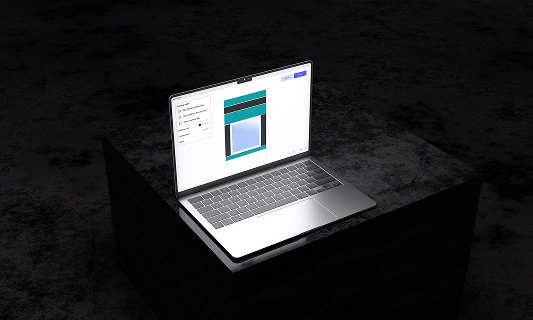
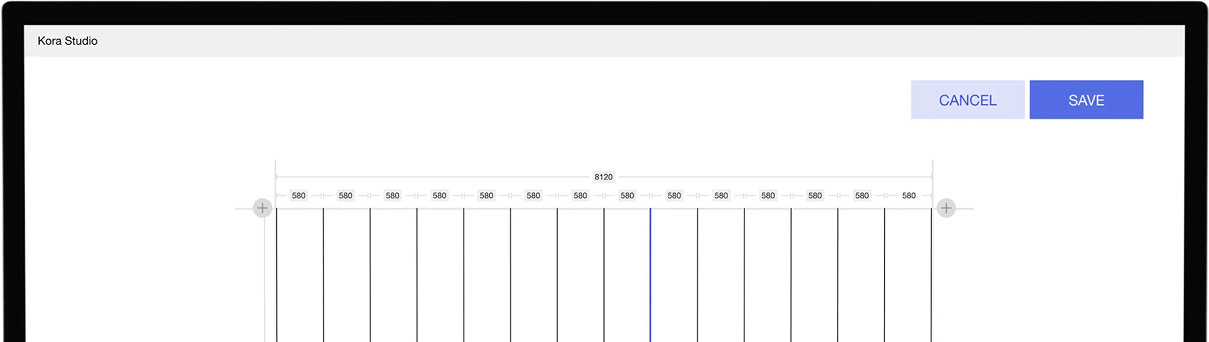
Open laptop on a dark surface displaying a design or layout editing interface on screen.
02

Design

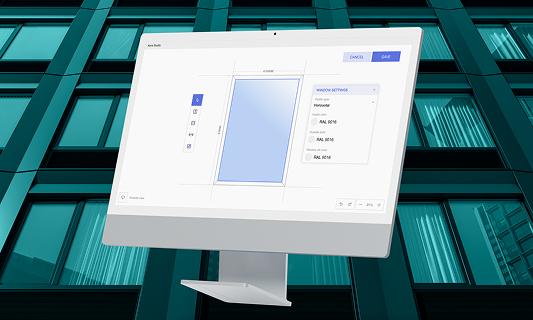
Computer monitor displaying a window configuration interface with color and size settings.
All the families build with the plug in are in your revit project, highly parametric, fully editable. You can choose to use prefab or traditional construction methods.
03

Ready to Use

Open laptop on a dark surface displaying a design or layout editing interface on screen.
Enjoy 80% faster results.

Feature Highlights

Parametric Families

Save once—Kora Studio generates fully adjustable, coordinated Revit families that update with every design change.
Read more

Calculations & Scheduling

All quantities and compliance fields are ready out-of-the-box—no manual setup for schedules or takeoffs.

Latest Insights

Design to Fabrication

AGACAD vs Kora Studio: Which Revit Facade Plugin Do You Need?

AGACAD and Kora Studio both work inside Revit, both handle curtain walls — but they serve completely different project phases. AGACAD produces LOD 400 fabrication documentation. Kora Studio accelerates LOD 100–300 design iteration. Choosing the wrong one costs weeks.
Revit Workflows

Best Revit Add-ins for Architects: Productivity Tools vs Façade Workflow Systems

Not all add-ins solve the same problem. Here’s why façades need a workflow layer like Kora.
Revit Workflows

Curtain Wall Families in Revit: System vs Loadable — What Each Controls and Why It Matters

Revit curtain wall is built from two family types with different rules. System families control the grid; loadable families control the panels. Confusing them is the most common reason curtain wall workflows break in Revit

See it live

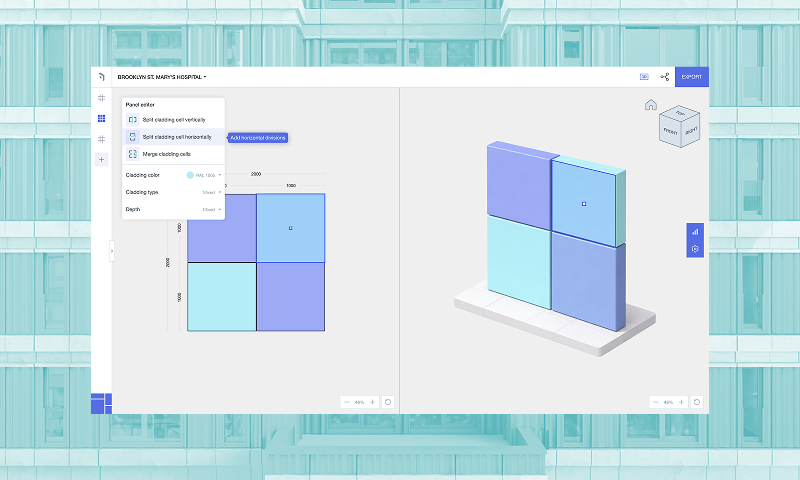
Schedule a callKora Studio interface showing a grid layout with columns labeled