






Introduction
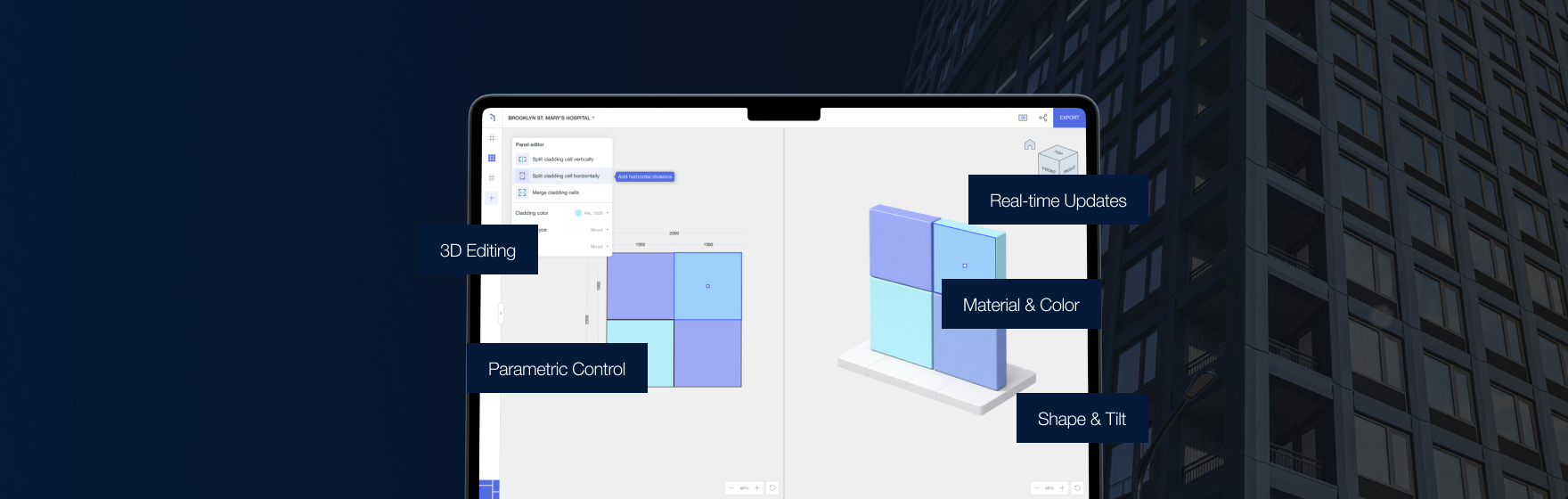
Dead-end façade concepts aren’t a design failure—they’re a workflow failure. Kora reduces that risk by keeping buildability awareness close to design in Revit so concepts evolve into viable systems without a full reset.
Why dead ends happen
Dead ends arise when system logic is undefined early, manual modeling becomes too costly to maintain, documentation isn’t connected to façade logic, and constructability signals arrive late.
What architects need early
Not shop drawings—decision-ready clarity: systemizability, plausible panelization, stability through change, and survivability under coordination.
Designing a look vs designing a system
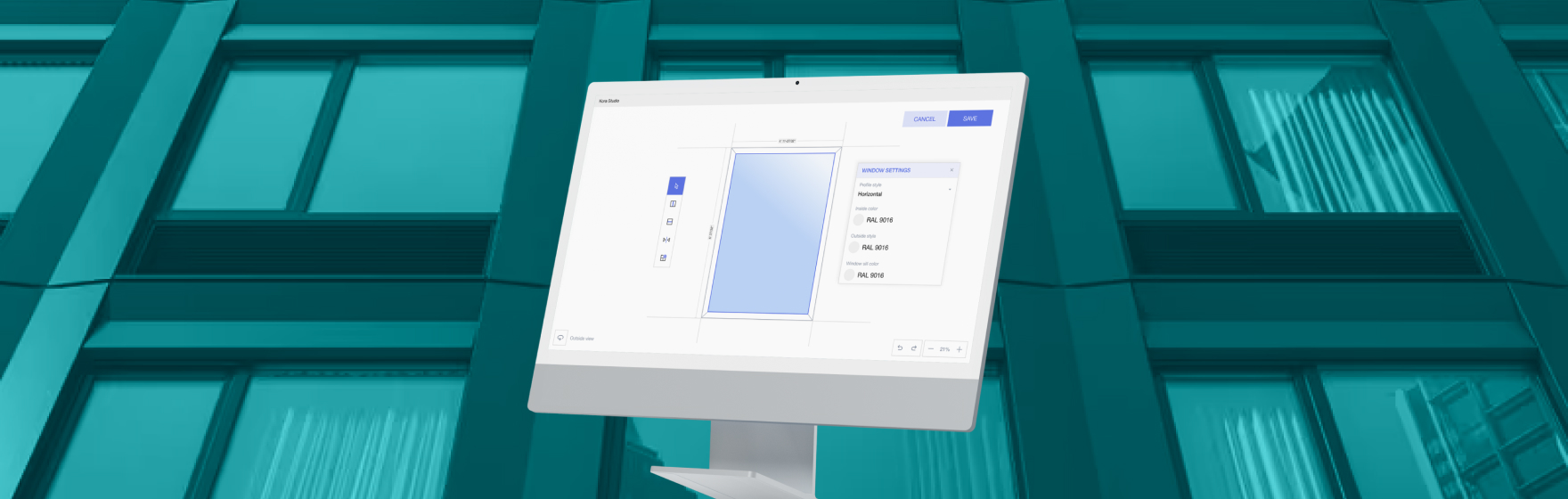
A system needs module strategy, joint intent, repeatable assemblies with controlled variation, and stable outputs. Kora supports this while preserving design language.
Where detailing tools fit (AGACAD reference)
Fabrication/detail tools become relevant once decisions are locked. Kora doesn’t replace them—it helps ensure the early direction handed off later won’t require a restart.
Approved design, then reality arrives
Procurement, sequencing, planning, and coordination shift. Manual workflows collapse. Kora keeps changes manageable by maintaining system structure early.
Outcome
Fewer redraw cycles, cleaner handoffs, more predictable deliverables, and less time repairing documents







