






Introduction
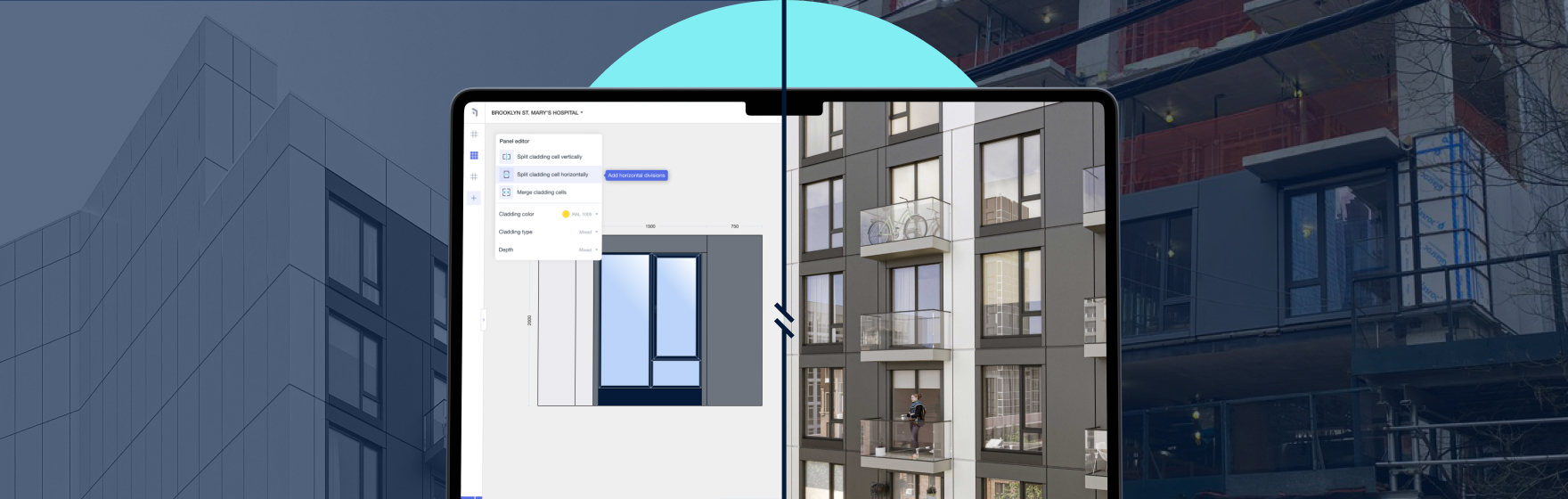
Architects don’t need another tool that dictates aesthetics. They need time to explore and refine. Yet façade design in Revit often becomes repetitive modeling, fragile documentation, and redraw cycles after every review. Kora was built for that reality: a Revit-native façade workflow that speeds iteration while keeping buildability in view—without taking creative control away.
Why façade work becomes the schedule risk
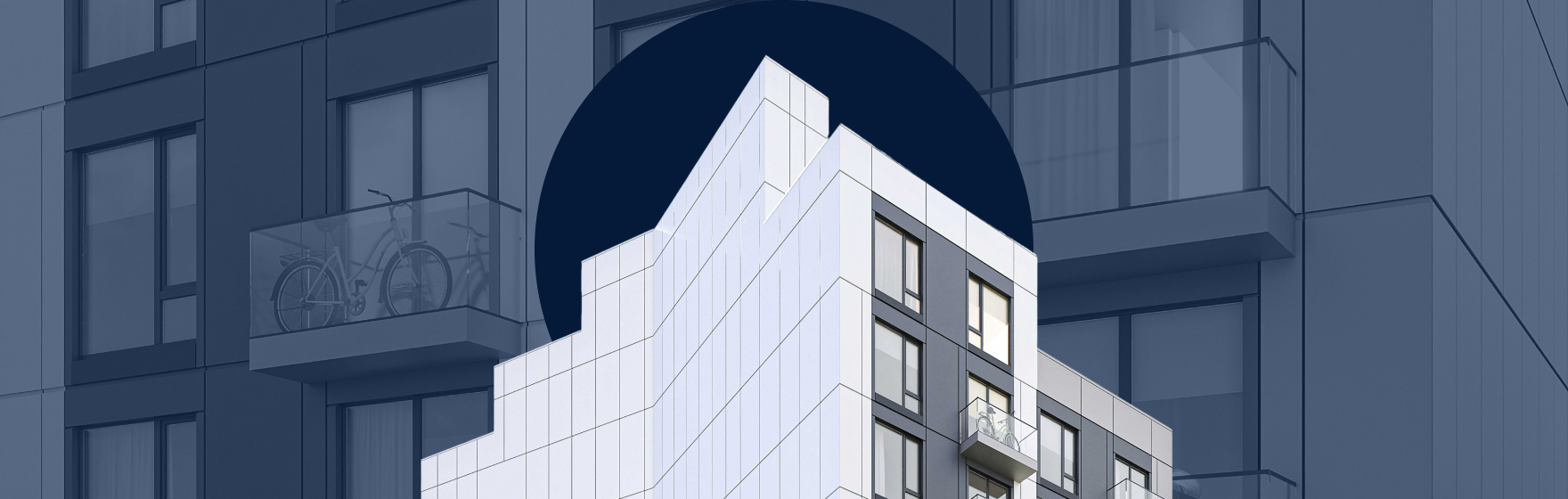
Façades sit where aesthetics, performance, codes, and constructability collide. The hidden issue is the cost of change. When workflows are manual and brittle, change becomes expensive and teams avoid exploration—shrinking design quality under deadline pressure.
What “faster” should mean
Faster means: generate options quickly, change direction without breaking the set, keep model and documentation aligned, and see buildability constraints early enough to avoid dead-end concepts. If a workflow creates downstream chaos, it’s deferred work, not speed.
System logic, not manual elements
A system-based façade uses consistent logic—modules, joints, profiles, zoning, and typologies—so changes propagate cleanly. Kora makes this approach practical for everyday Revit teams without scripting.
What Kora does in Revit
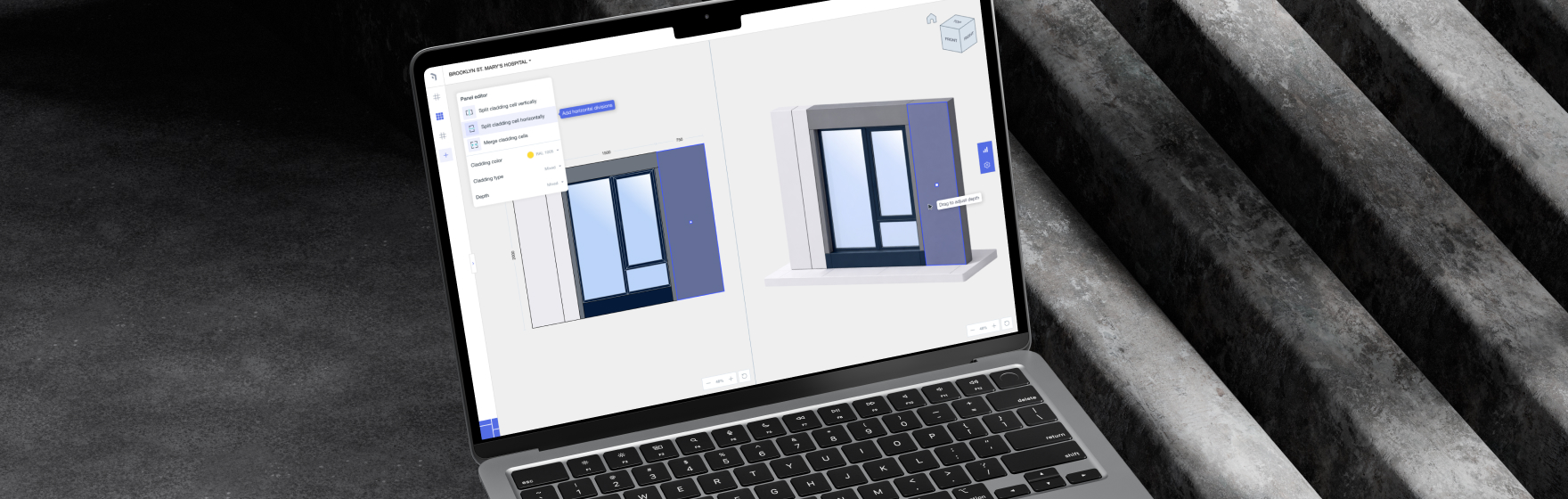
Kora accelerates system creation, supports rapid iteration (materials, rhythms, configurations), keeps buildability awareness close to design, and helps documentation stay aligned through change. It’s delivery-agnostic: prefab or traditional—your choice.
A real studio week
Monday: three options. Tuesday: cadence change. Wednesday: window strategy shifts. Thursday: coordinated elevations/sections needed. Manual workflows turn this into a redraw marathon. Kora reduces the cost of change so iteration stays viable.
Where other tools fit
Fabrication/detailing tools matter after the system is locked; analysis tools validate performance; computational tools enable advanced geometry; productivity plugins speed general tasks. Kora fills the missing early workflow layer: fast, build-aware façade system decisions in Revit.
What to measure
Track time to first viable direction, redraw cycles per change, time to updated elevations/sections, envelope coordination questions/RFIs, and documentation cleanup hours. When workflow improves, these metrics move.







