






Introduction
Façades are systems, not drawings. Systems change—and they break when held together with manual fixes. Kora exists to make early façade system design in Revit faster and more buildability-aware, so later phases don’t collapse into rework.

Phase 1 — Design
Design becomes manual mechanics when iteration is frequent. Kora speeds system creation so exploration stays viable.
Phase 2 — Validate
Constraints should appear early, not late. Kora keeps buildability awareness close to design so validation doesn’t arrive as a surprise.
Phase 3 — Detail
Documentation becomes fragile when system logic isn’t consistent. Kora helps outputs stay aligned through change, reducing cleanup time.
Phase 4 — Deliver
Delivery varies globally—prefab, site-built, hybrid. Kora keeps delivery flexible so you can decide later.
Global example
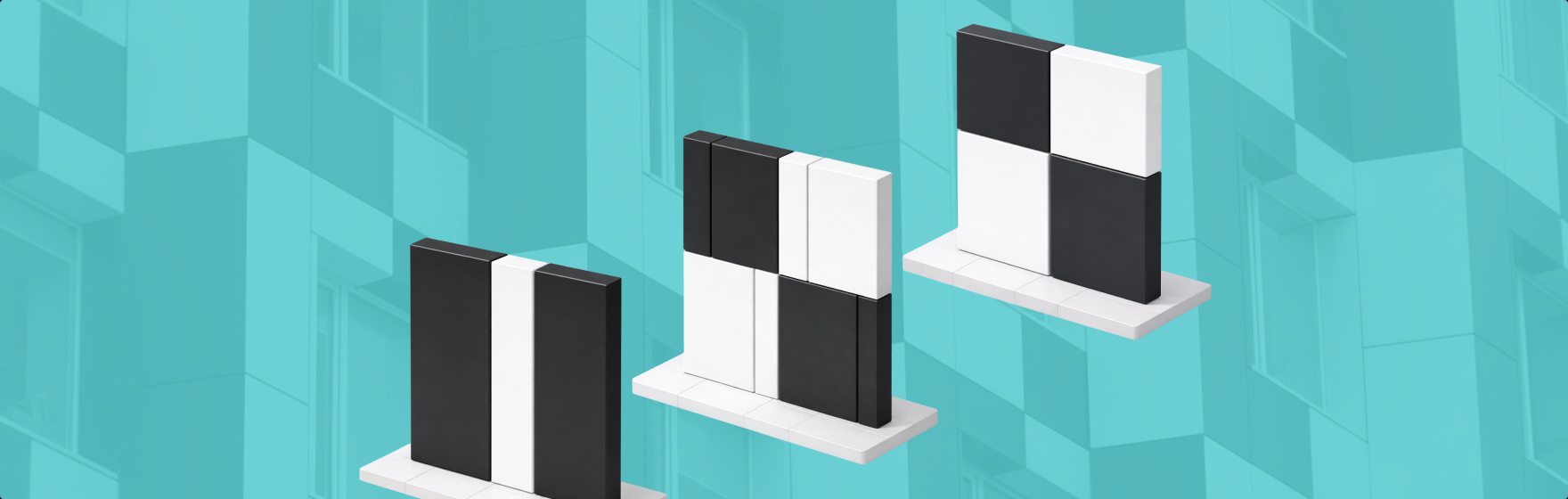
Normal changes—planning, cost, sequencing—become painful when workflows are manual. Kora reduces the cost of change by treating the façade as a system from the start.
Bottom line
Kora is the missing early workflow layer: creative control with practical confidence.







