



Rhino.Inside Revit for Façades: When to Script—and When a Guided Workflow Is Faster

Subtitle: Rhino.Inside is powerful for parametric experts. Learn when it’s right—and when architects move faster with Kora.

Table of contents

Subscribe to our newsletter

Thank you! Your submission has been received!
Oops! Something went wrong while submitting the form.
Design to Fabrication
pyRevit vs Kora Studio: Facade Design Workflow or General Revit Productivity?
pyRevit is a free, open-source Revit extension that speeds up general tasks — sheets, parameters, selections, audits. Kora Studio is a facade-specific workflow that speeds up panel iteration, material zones, and model coordination. Different problems at different scales.
Design to Fabrication
Snaptrude vs Kora Studio: Facade Workflow in Revit or Conceptual BIM Platform?
Snaptrude handles whole-building conceptual design in the cloud before a project reaches Revit. Kora Studio handles facade-specific iteration inside Revit once the project is there. One is broad and early. The other is specialized and mid-design.

Introduction

Rhino.Inside Revit brings Rhino and Grasshopper into Revit—an exciting leap for computational design. But not every project has computational specialists, and not every façade challenge should become a custom scripted pipeline. Kora is built for the daily reality: fast iteration, buildability awareness, and stable outputs in Revit.

What Rhino.Inside is brilliant at
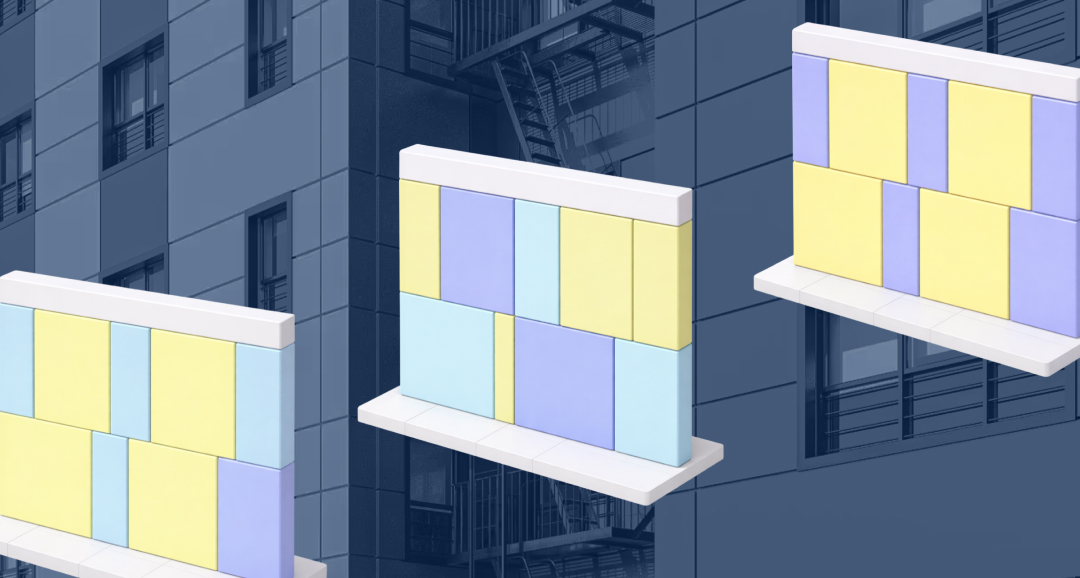
Highly customized geometry, generative pattern exploration, and bespoke parametric systems that go beyond typical Revit constraints.

The hidden cost of scripting

Beyond building a definition, teams must maintain it through project changes, onboard new users, and debug under deadline—turning the workflow into a specialist dependency.

What Kora is built for

Guided system design for everyday Revit teams: rapid iteration on rhythm/materials/configuration, buildability awareness early, and documentation that stays aligned.

A practical scenario

If window rhythms and material zones change repeatedly (as they often do), a scripted approach can work—but often requires specialist time each time. Kora keeps iteration accessible to architects without scripting.

Decision rule

Use Rhino.Inside when computational geometry is central and specialist capacity is embedded. Use Kora when you need fast, build-aware façade system decisions that the whole team can adopt quickly.


Do I need scripting to use Kora?

No—Kora is designed for Revit users without Grasshopper or scripting.

Is Kora replacing Rhino.Inside?

No—Rhino.Inside is excellent for computational geometry; Kora focuses on guided façade workflow.

Can computational teams still use Kora?

Yes—Kora can accelerate system decisions and coordination.

What's the fastest path for most teams?

Guided Revit-native workflow for daily iteration; scripting only when geometry requires it.

Book a Demo

See how Kora Studio transforms façade design into build-ready deliverables in minutes.

Latest Insights

Design to Fabrication

AGACAD vs Kora Studio: Which Revit Facade Plugin Do You Need?

AGACAD and Kora Studio both work inside Revit, both handle curtain walls — but they serve completely different project phases. AGACAD produces LOD 400 fabrication documentation. Kora Studio accelerates LOD 100–300 design iteration. Choosing the wrong one costs weeks.
Revit Workflows

Best Revit Add-ins for Architects: Productivity Tools vs Façade Workflow Systems

Not all add-ins solve the same problem. Here’s why façades need a workflow layer like Kora.
Design to Fabrication

Dynamo vs Kora Studio for Revit: Facade Workflow or Visual Scripting?

Dynamo gives Revit users powerful visual scripting for custom automation — including facade panelization. Kora Studio gives architects a guided facade workflow inside Revit without writing a single node. Different tools, different skill requirements, different maintenance costs.


