




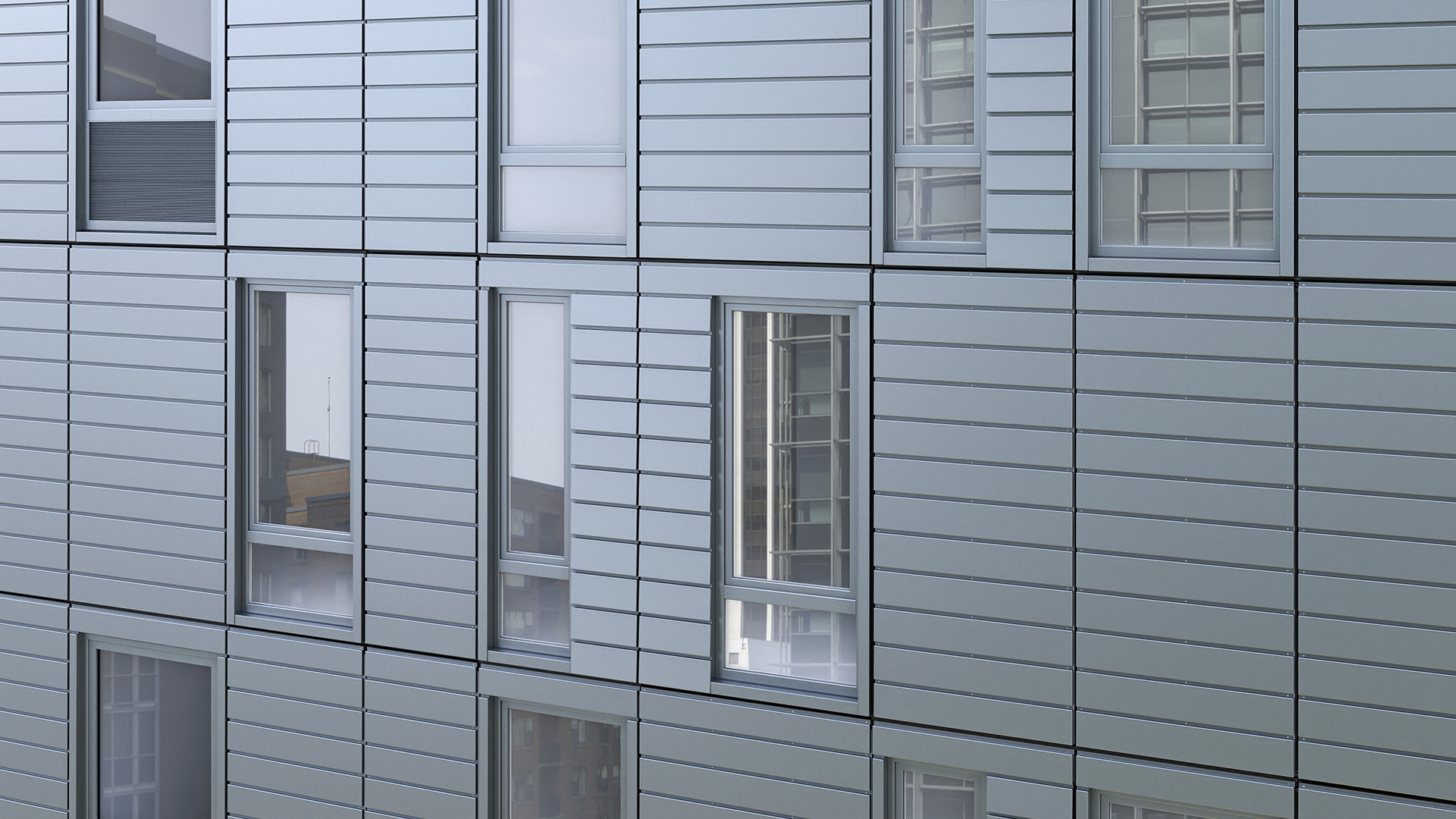


LOD 200 is where the model moves from massing to something that starts to look like a building. Dimensions become approximate rather than symbolic. Panel types appear — still generic, but now distinguishable from one another. Consultants can begin coordinating against the geometry.
It is also where the first serious coordination commitments happen. What you put into an LOD 200 model — and what you leave out — determines how much flexibility you carry into design development.
What Is LOD 200?
LOD 200 (Level of Development 200) represents building elements with approximate quantity, size, shape, location, and orientation. Components are generic — they represent the right type of thing in the right location, but they are not manufacturer-specific and their dimensions may still change.
The BIMForum LOD Specification states: at LOD 200, elements are modeled as generalized systems or assemblies with approximate quantities, size, shape, location, and orientation. Non-graphic information may also be attached to the model element.
In practice: at LOD 200, a curtain wall shows as a generic assembly with approximate panel widths and heights, a rough spandrel zone, and a general framing concept. You can run area calculations and start coordinating slab edges and structural reveals — but you have not committed to a specific panel system.
What LOD 200 Adds Over LOD 100
Moving from LOD 100 to LOD 200 means adding:
- Approximate panel dimensions — specific enough for coordination, not precise enough for fabrication
- Generic panel type differentiation — vision panels, spandrel zones, solid cladding areas identified separately
- Approximate floor-to-floor dimensions confirmed and coordinated with structure
- Rough opening sizes — enough for MEP rough-in to begin
- Approximate material categories — glass, metal panel, masonry — without specific manufacturer or finish
- Preliminary panel count — approximate, subject to change
These elements allow the project to advance to design development. Structural, mechanical, and facade consultants can begin real coordination against the geometry without the architect committing to final panel configurations.
What LOD 200 Still Does Not Contain
LOD 200 is not a coordination drawing. It still excludes:
- Precise panel dimensions (within ±1 inch) — those belong to LOD 300
- Specific manufacturer families or system types
- Mullion profiles, framing member sizes, or connection geometry
- Finish specifications or material submittals
- Thermal performance data or glazing specifications
- Shop drawing-level detail of any kind
Treating LOD 200 as an opportunity to add these details creates the same problem as over-modeling at LOD 100 — you commit to decisions you have not yet made, and rework compounds when those decisions change.
A Concrete Example: Curtain Wall Panels at Design Development
A team has completed schematic design with a clean LOD 100 massing model. The project is entering design development on a 12-floor mixed-use building. The facade is a unitized curtain wall system with a 5-foot horizontal module.
At LOD 200, the model now shows:
- A curtain wall assembly with a 5-foot by 10-foot 6-inch panel module (approximate — not yet confirmed with structural)
- Three generic panel types: vision (60% of the area), spandrel (30%), and corner (10%)
- A 16-inch spandrel zone at each floor line — approximate, pending slab edge confirmation
- Panel count: approximately 480 panels across all floors — approximate, will shift as dimensions are confirmed
- No specific curtain wall manufacturer, no mullion family, no glazing specification
The structural engineer can now confirm slab edge setbacks against this geometry. The mechanical engineer can begin locating perimeter heating units. The facade consultant can comment on the spandrel zone height. All of this coordination happens without the architect committing to a specific curtain wall system.
LOD 200 and Facade Area Calculations
At LOD 200, area calculations become more reliable than at LOD 100 — but they are still approximate. The model can now produce:
- Vision glass area by orientation (useful for early solar analysis)
- Spandrel area estimates (affects thermal performance modeling)
- Preliminary window-to-wall ratios per facade face
- Approximate panel count by type
These numbers support a preliminary budget estimate — useful for design development conversations, not suitable for fabrication pricing or final quantity takeoffs. That precision comes with LOD 300.
A common mistake: treating LOD 200 area calculations as construction documents. Estimators who work from LOD 200 schedules without understanding their precision limits end up with bids that do not hold through design development.
What Breaks When LOD 200 Is Imprecise or Skipped
Skipping LOD 200 and jumping from LOD 100 massing to LOD 300 detailed families creates specific problems on facade projects:
- Structural and facade coordination happens against geometry that has not been validated — slab edges, embed locations, and anchor points may need to be moved after the structure is already designed
- MEP rough-in begins against panel openings that are approximate, not confirmed — resulting in rework at the mechanical and electrical drawings phase
- The cost estimator gets detailed LOD 300 data without the discipline coordination to support it — the estimate is precise but based on uncoordinated geometry
- When design changes come in at 60% construction documents, rework cascades through a highly detailed model instead of an approximate one that could have been adjusted quickly
Does Kora Studio Work at LOD 200?
No. Kora Studio operates at LOD 100 only.
Kora is designed for the schematic design phase — LOD 100. Once the project advances to design development and the model needs approximate geometry, generic panel families, and multi-discipline coordination, standard Revit tools and the project's BIM coordination workflow take over.
The output of Kora's LOD 100 work — grid layout, panel module concept, Light and Air data — becomes the input for LOD 200 modeling. Kora does not replace the design development workflow; it makes the schematic phase fast and decision-ready so that LOD 200 starts from a clean, validated baseline.
For a complete view of what Kora handles and what it does not, see Kora Studio Features.
LOD 200 in the Project Workflow
LOD 200 sits between schematic design (LOD 100) and construction documents (LOD 300). Understanding where each level belongs helps teams allocate modeling effort correctly:
- LOD 100: Schematic design — massing, orientation, conceptual module
- LOD 200: Design development — approximate geometry, generic components, coordination start
- LOD 300: Construction documents — precise geometry, specific materials, coordinated deliverable
- LOD 400: Fabrication — manufacturer models, part numbers, manufacturing tolerances
For a phase-by-phase guide to which LOD belongs at each project stage, see What LOD Do Architects Actually Need.
Frequently Asked Questions
What is the difference between LOD 200 and LOD 300? LOD 200 uses approximate dimensions and generic component families. LOD 300 uses precise dimensions (within ±1 inch) and specific materials. LOD 300 is the level at which coordination drawings and construction documents are produced. See LOD 300 in BIM for the full breakdown.
Can I run a quantity takeoff from an LOD 200 model? Yes, but the result is an approximation — suitable for a preliminary budget conversation, not for procurement or bidding. For accurate quantity takeoffs, you need LOD 300 geometry with specific component families.
Does Kora Studio work at LOD 200? No. Kora Studio operates at LOD 100 only. It is a schematic design tool. Once the project moves to LOD 200 and design development, standard Revit tools and the project's coordination workflow handle the modeling.
Who is responsible for producing the LOD 200 model? Typically the architect of record, in coordination with the structural and MEP engineers. The AIA BIM Protocol and the project's BIM Execution Plan assign LOD responsibilities by discipline and phase. On facade-heavy projects, the facade consultant may contribute LOD 200 geometry for the curtain wall system.
Does LOD 200 require manufacturer-specific families in Revit? No. LOD 200 uses generic families. Manufacturer-specific families are a LOD 300 or LOD 400 requirement. Using manufacturer families at LOD 200 over-commits the design before coordination is complete.
Book a demo to see how Kora Studio accelerates the LOD 100 phase before design development begins.







