




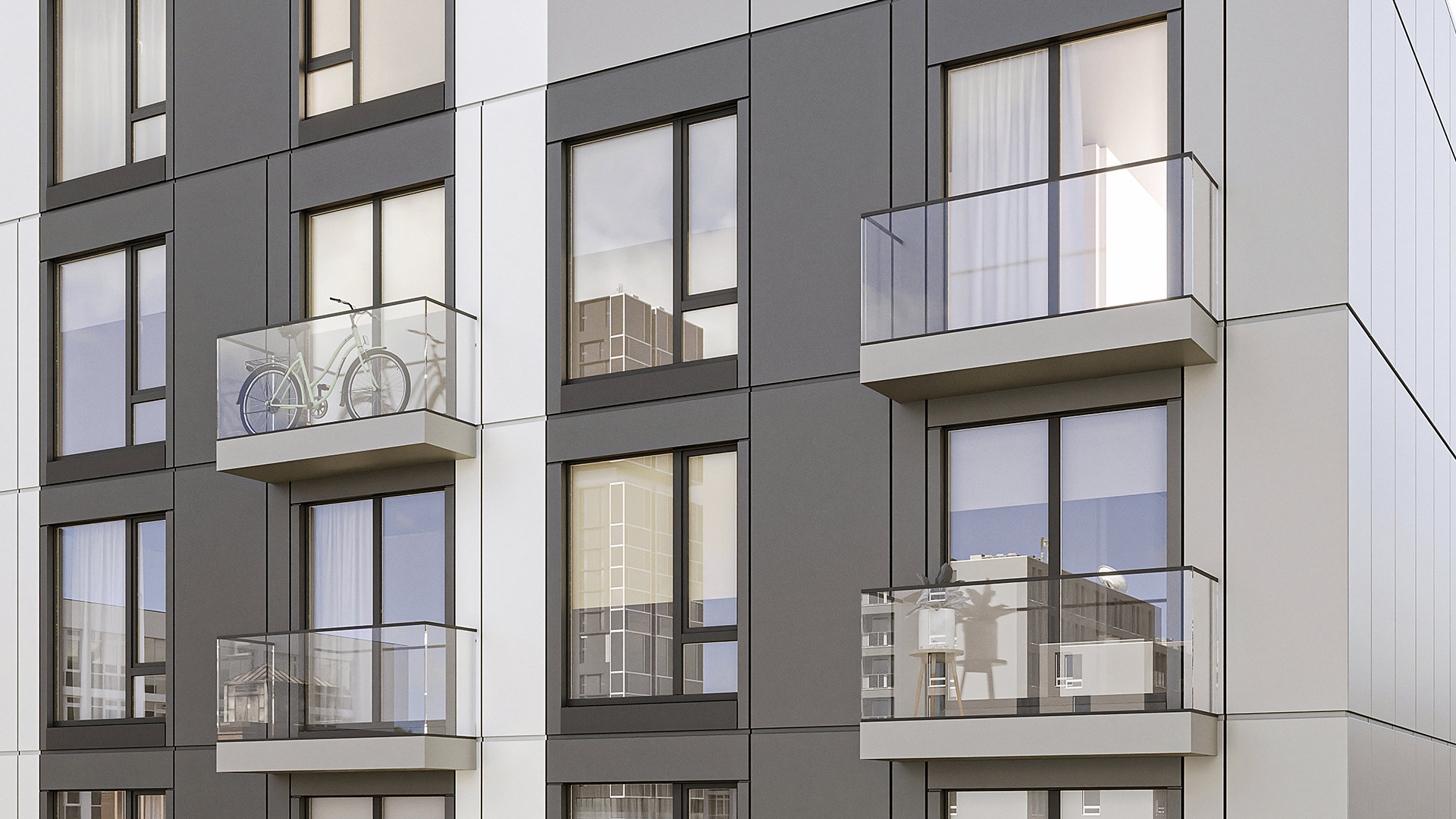


Corners are where curtain wall projects generate the most RFIs. The geometry is more complex, the fabrication requirements are more demanding, and the standard Revit workflow is less equipped to handle them. A corner condition that looks resolved on an elevation drawing can contain three uncoordinated conditions that only surface when the fabricator starts shop drawings.
For teams working with unitized curtain wall systems, corners require decisions at schematic design that cannot be deferred to design development without downstream consequences. This article explains why, and what a correct corner modeling workflow looks like.
Why Corners Are Technically Complex
A curtain wall corner is not simply where two facade planes meet. In a unitized system, it is where two panel installation sequences intersect, where structural anchors from two directions must coordinate, and where the dimensional logic of each grid must be reconciled.
Dimensional offset for crane installation. Unitized curtain wall panels are installed by crane, slid into stack joints from above, and locked into position. At a corner, the panels from the two meeting facades cannot both terminate at the theoretical corner line — one panel must step back to allow the other to be installed first. This dimensional offset is not a detail to be resolved by the installer. It must be designed into the panel geometry at schematic design, because it affects the structural grid on both facades and the anchor layout at the corner column.
Inter-panel joint alignment. The horizontal stack joints on one facade must align with the horizontal joints on the return facade at the corner. If the floor-to-floor height is the same on both facades, this alignment is automatic — but if the facades have different panel module heights, or if a transition occurs at the corner, the joint alignment must be explicitly resolved in the model. Misaligned joints at a corner are an aesthetic problem that is expensive to correct after fabrication.
Structural anchor conflicts. The corner column typically carries structural anchors for panels on both facades. The anchor positions must be coordinated between the two facade systems so that anchor plates do not conflict with each other or with the column connection. This coordination requires a model that shows the anchor geometry — not just the panel face.
How Standard Revit Handles Corner Conditions
Standard Revit curtain wall system families are not designed for unitized panel logic. They model curtain walls as continuous surfaces divided by mullions — a stick-built representation that does not reflect how unitized panels are manufactured or installed.
At a corner, Revit's default behavior is to miter or butt the two curtain wall surfaces. Neither approach produces the geometry that a unitized corner panel requires. The miter creates a theoretical intersection line that does not correspond to any physical panel edge. The butt condition leaves an unmodeled gap that the fabricator must interpret.
Revit's curtain wall system families also cannot natively model the dimensional offset required for crane installation of corner panels. The offset must be represented through workarounds — generic model families, in-place elements, or manual adjustment of the curtain wall grid — none of which produce a parametric, schedule-able model element that the fabricator can use.
For a broader look at the limitations of Revit's system families for unitized work, see Revit Curtain Wall System vs Loadable Families and How to Model a Curtain Wall in Revit.
Common Corner Types
Facade projects encounter several standard corner configurations, each with different coordination requirements.
90-degree external corner. The most common configuration — two facade planes meeting at an outside corner. This requires a dedicated corner panel unit that wraps the corner, with dimensional offsets on both returns to allow installation sequencing. The corner panel is manufactured as a single unit, not as two panels meeting at a mitered edge.
90-degree re-entrant (internal) corner. Two facade planes meeting at an inside corner. The geometry is the inverse of the external corner, but the coordination challenges are similar — dimensional offsets, anchor coordination, joint alignment. Re-entrant corners are often more difficult to access for installation and may require a different installation sequence than the surrounding facade.
Non-orthogonal angles. When two facade planes meet at an angle other than 90 degrees, the corner panel geometry is more complex. The wrap dimension changes with the angle. The structural anchor positions shift. The joint profile at the corner changes. Non-orthogonal corners should be flagged at schematic design and coordinated with the fabricator before the structural grid is locked.
The Dimensional Offset Requirement
The dimensional offset at corner panels is the most commonly misunderstood aspect of unitized corner conditions, and the one most likely to generate RFIs if not resolved early.
In a unitized system, panels are installed by crane from above. At a corner, the installation sequence requires one facade's panels to be installed before the return facade's panels can be positioned. To allow the crane to maneuver the return facade panel into position without colliding with the already-installed adjacent panel, the corner panel must be slightly smaller than the nominal facade module — typically by the width of one panel frame.
This offset must be reflected in the structural grid at the corner. If the grid is drawn to the theoretical corner intersection, the offset panel will either expose a gap at the corner or require the adjacent panel to be modified. Either condition must be resolved before fabrication begins.
The offset dimension is not arbitrary — it is determined by the panel frame profile and the crane approach geometry. In practice, it is set by the fabricator based on their standard system. This is another reason why early fabricator engagement matters: the offset dimension affects the structural grid, which affects the structural anchor layout, which must be coordinated with the structural engineer before construction documents.
For more on how LOD sequence affects this coordination, see From Design to Fabrication: How to Close the Gap.
Kora Studio Corner Panels
Kora Studio includes corner panel support natively — not as a workaround, but as part of the core panel system. The corner panel logic in Kora matches the same system used in Dextall's prefab facade production, where corner panels are a standard product with defined dimensional offsets and installation sequencing requirements.
In Kora, corner panels are defined within the Grid Editor and Panel Editor using the same parametric logic as standard panels. The corner panel's dimensional offset is built into the panel geometry — it is not manually adjusted or approximated. When the facade module changes, the corner panel updates parametrically, maintaining the correct offset relationship.
Because Kora works with unitized curtain wall systems only, the corner panel model it produces is structurally honest — it reflects how the panel will actually be manufactured and installed, not a graphical approximation. The corner panel appears in Revit schedules as a distinct panel type, with accurate geometry that downstream teams can use for coordination.
This matters at LOD 100 because the decisions made at schematic design about corner geometry determine the structural grid, the anchor layout, and the fabricator's corner panel specification. A corner model that is correct at LOD 100 requires no rework at LOD 300. A corner model that is approximate at LOD 100 will generate RFIs at every subsequent stage.
Explore Kora's approach at kora.studio/features or book a demo to see the corner panel workflow in context. Related reading: Facade Grid in Revit, Curtain Wall RFI Reduction, Industrialized Construction and Prefab Facades.
FAQ
Why do curtain wall corners generate more RFIs than other facade conditions? Because corners require coordination across multiple systems — facade geometry, structural anchors, installation sequencing — that are typically modeled separately. When these systems are not resolved together at design, the fabricator encounters conflicts that must be resolved through RFIs during shop drawing preparation.
What is a corner panel in a unitized curtain wall system? A corner panel is a dedicated panel unit that wraps the building corner, covering both facade returns. It is manufactured as a single unit with dimensional offsets on both sides that account for the installation sequence and the inter-panel joint geometry. It is not two panels mitered together — it is a purpose-built corner element.
Why must the dimensional offset at corners be resolved at schematic design? Because the offset affects the structural grid on both facades. If the grid is set to the theoretical corner intersection and the offset is resolved later, the structural grid must be adjusted — which changes the anchor layout, which requires structural coordination. Resolving the offset at schematic design prevents this cascade.
Can standard Revit curtain wall families model unitized corner panels? Not accurately. Revit's system families model curtain walls as continuous surfaces divided by mullions, which does not reflect the geometry or installation logic of unitized corner panels. The dimensional offset required for crane installation cannot be represented natively in Revit's curtain wall system families.
Does Kora Studio handle non-orthogonal corner angles? Kora Studio is built on the same system as Dextall's prefab facade production, which includes corner panel support for unitized systems. For specific non-orthogonal configurations, the corner geometry and fabrication feasibility should be confirmed with the fabricator at design development, as non-standard angles may affect panel manufacturing and profile selection.







