




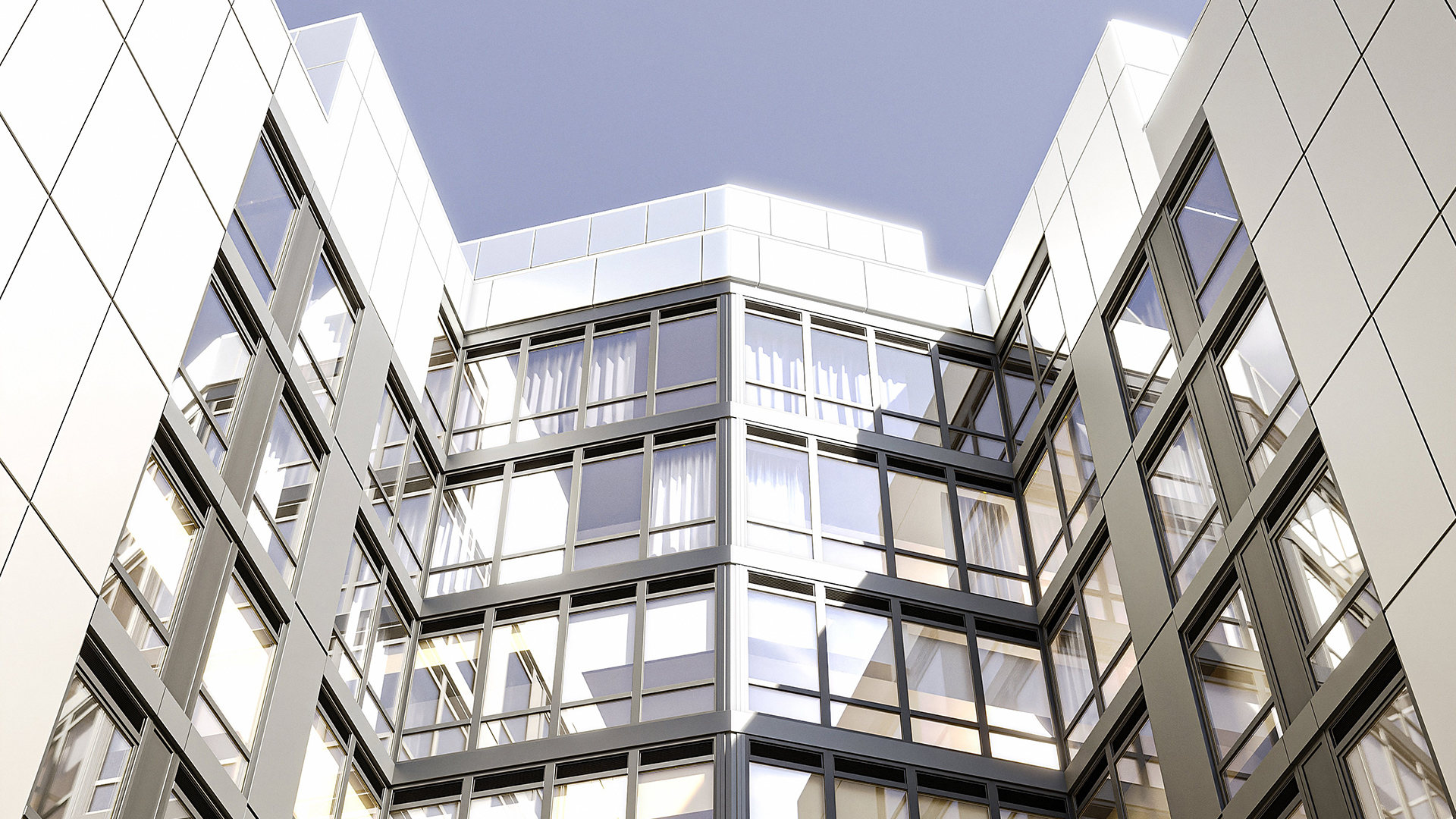


Industrialized construction does not mean simplified design. It means a different production logic — one where the building envelope is manufactured in a controlled factory environment and delivered to site as a finished product, ready for installation. For facade design teams, this changes what the model needs to contain and when it needs to contain it.
The architect who understands prefab facade production can design for it without compromising design intent. The architect who treats it like conventional site-built construction will generate RFIs, schedule delays, and cost overruns that the project cannot absorb.
This article is a practical orientation for design teams engaging with prefab facade systems for the first time — or for the first time with a rigorous BIM workflow.
What "Prefab-Ready" Actually Means
A prefab-ready facade is not simply a facade that gets built in a factory. It is a facade that was designed with factory production logic embedded from the start. Three conditions define whether a facade design is genuinely prefab-ready.
Module discipline. Prefab facade panels are manufactured to fixed dimensions. Every panel that deviates from the standard module — because of an irregular bay, a column offset, or a late design change — requires a custom fabrication run. Custom panels cost more, take longer, and require more coordination. A prefab-ready design minimizes custom panels by aligning the facade grid with the structural grid and resolving exceptions early.
Tolerance management. Factory-manufactured panels have tighter tolerances than site-built assemblies. The structural frame tolerances and the curtain wall tolerances must be coordinated before fabrication begins. If the structural slab edges vary by more than the curtain wall anchor system can accommodate, the facade cannot be installed as designed. This coordination must happen at design development — not in the field.
BIM from the start. Prefab facade fabricators work from digital models, not 2D drawings. The model must contain panel geometry, anchor locations, and joint widths in a format the fabricator can use. A facade model built in generic Revit curtain wall families, without defined panel behavior, forces the fabricator to reconstruct the geometry — at their cost, against your schedule.
Design Constraints Architects Face with Prefab Systems
Working with prefab facade systems introduces design constraints that are not present in stick-built or window wall construction. Understanding these constraints early prevents costly conflicts late.
Module repetition. Prefab systems achieve their efficiency through repetition. The more a design varies panel sizes, the more it erodes the cost and schedule advantages of factory production. This does not mean facades must be monotonous — variation can be achieved through panel finish, glazing percentage, or cladding material while maintaining a standard structural module. But the structural module must be standard.
Minimum order quantities. Some prefab facade systems have minimum order quantities for panel types. A design that specifies twelve different panel types for a 200-panel facade may face pricing penalties or lead time increases on low-volume types. Consolidating panel types — without losing design intent — is a collaboration between architect and fabricator that should happen at design development, not construction documents.
Standard profiles. Prefab facade systems use standard extrusion profiles for their structural frames. Custom profiles require custom tooling, which adds cost and lead time. A design that requires non-standard profiles — unusual corner angles, atypical frame depths — must account for this in the project budget and schedule. Standard profiles are not a limitation on design expression; they are a constraint on the hidden structure behind the cladding.
Corner conditions. Corners in unitized curtain wall systems are not simply where two panels meet. They require dedicated corner panel units that account for dimensional offsets needed for crane installation and the geometry of the inter-panel joint. Corner conditions must be resolved at schematic design — they cannot be detailed later without affecting the structural grid and anchor layout. See Curtain Wall Corners in Revit for a detailed breakdown.
BIM Requirements for Prefab Facade Delivery
Prefab facade delivery requires a specific BIM workflow. It is not enough to have a BIM model — the model must be structured correctly, at the right LOD, at the right time.
LOD sequence. The LOD sequence for prefab facade work is: LOD 100 at schematic design (module, typology, corner conditions flagged), LOD 200 at design development (panel types defined, grid locked, structural coordination begun), LOD 300 at construction documents (panel schedules accurate, anchor layout coordinated). The fabricator drives LOD 400. For a full explanation of what each LOD contains, see LOD in BIM: 100, 200, 300, 400 Explained.
Parametric families. Generic Revit system families do not carry the information prefab fabricators need. The facade model should use parametric families that define panel behavior — what changes when the panel module changes, how the frame relates to the cladding, where the anchor points are. Families that are built around the fabricator's actual product logic reduce the translation work between architect model and fabricator shop drawings.
Early coordination. Prefab facade fabricators must be engaged earlier than conventional curtain wall subcontractors. Lead times for unitized systems are typically 6 to 12 months. If the fabricator is first engaged at 100% construction documents, there is no time to incorporate fabricator feedback before procurement is locked. Early engagement — at design development — allows supplier constraints to be incorporated while the design is still flexible.
Schedule-driven panel sequencing. Prefab facades are installed in a sequence that is determined by crane access, structural readiness, and panel delivery logistics. The model should support extraction of panel schedules that can be used for installation sequencing — not just quantity takeoffs. See Revit Facade Schedule Automation for how parametric models support this workflow.
Kora Studio: Built for Prefab Logic from Day One
Kora Studio was built by the team behind Dextall — a prefab facade manufacturer whose unitized curtain wall panels are designed, fabricated, and installed using the same parametric logic that Kora brings to the architect's Revit environment.
This is not a general-purpose facade modeling tool adapted for prefab use. Kora's model structure reflects the actual constraints of unitized panel production: fixed grid, defined panel types (opaque or glazed), corner panels that account for dimensional offsets, and no improvised geometry that will require reconstruction at LOD 400.
The Grid Editor uses formula-driven dimension fields to define the facade module — the same logic as Revit's curtain wall grid, but purpose-built for unitized systems. The Panel Editor defines panel types within the grid. Corner panels are supported natively. The parametric families feed into Revit schedules directly, so the architect's model produces extractable data from day one — not after a separate modeling effort at construction documents.
For design teams working with prefab facade systems, this means the LOD 100 model that leaves the architect's office already carries the structure that makes downstream LOD 300 development and fabricator coordination faster and cleaner. The 84% reduction in RFIs and $42K average project savings reported from the Dextall system reflect what happens when the model structure and the production logic are aligned from the start.
Learn more at Kora Studio features or read about the prefab-without-compromise design workflow. For the full handoff sequence, see From Design to Fabrication: How to Close the Gap.
Related reading: Unitized vs Stick Curtain Wall, Revit to Build-Ready, Fastest Way to Design Facades in Revit.
FAQ
What is the difference between prefab and industrialized construction? Industrialized construction is the broader category — it refers to applying manufacturing principles (standardization, factory production, quality control) to building components. Prefab is one method within industrialized construction. For facades, prefab typically means unitized curtain wall panels manufactured off-site and delivered to site for crane installation.
Does prefab facade design limit architectural expression? Prefab constrains the hidden structure — the frame module, the anchor system, the profile dimensions — not the visible expression. Cladding materials, glazing ratios, panel finishes, and building geometry can vary widely within a standard structural module. The constraint is on what does not need to be seen, not on what defines the building's character.
When should the fabricator be engaged on a prefab facade project? At design development — not construction documents. Engaging the fabricator at design development allows supplier-specific constraints (standard profile sizes, minimum module dimensions, panel weight limits) to be incorporated while the design is still flexible. Waiting until construction documents removes this opportunity and typically results in RFIs that delay the fabrication package.
What BIM LOD is required for prefab facade fabrication? The architect delivers LOD 300 — coordinated geometry, accurate panel schedules, anchor layout coordinated with structural. The fabricator drives LOD 400 from this foundation. A clean LOD 300 package is what determines how fast and how cleanly the LOD 400 shop drawing process goes.
Is Kora Studio specific to Dextall panels? Kora Studio is a Revit plugin for designing unitized curtain wall facades. It was built by the Dextall team and reflects Dextall's prefab production logic, but it is a design tool — not a Dextall product catalog. Architects use it to produce LOD 100 parametric facade models for unitized systems.







