




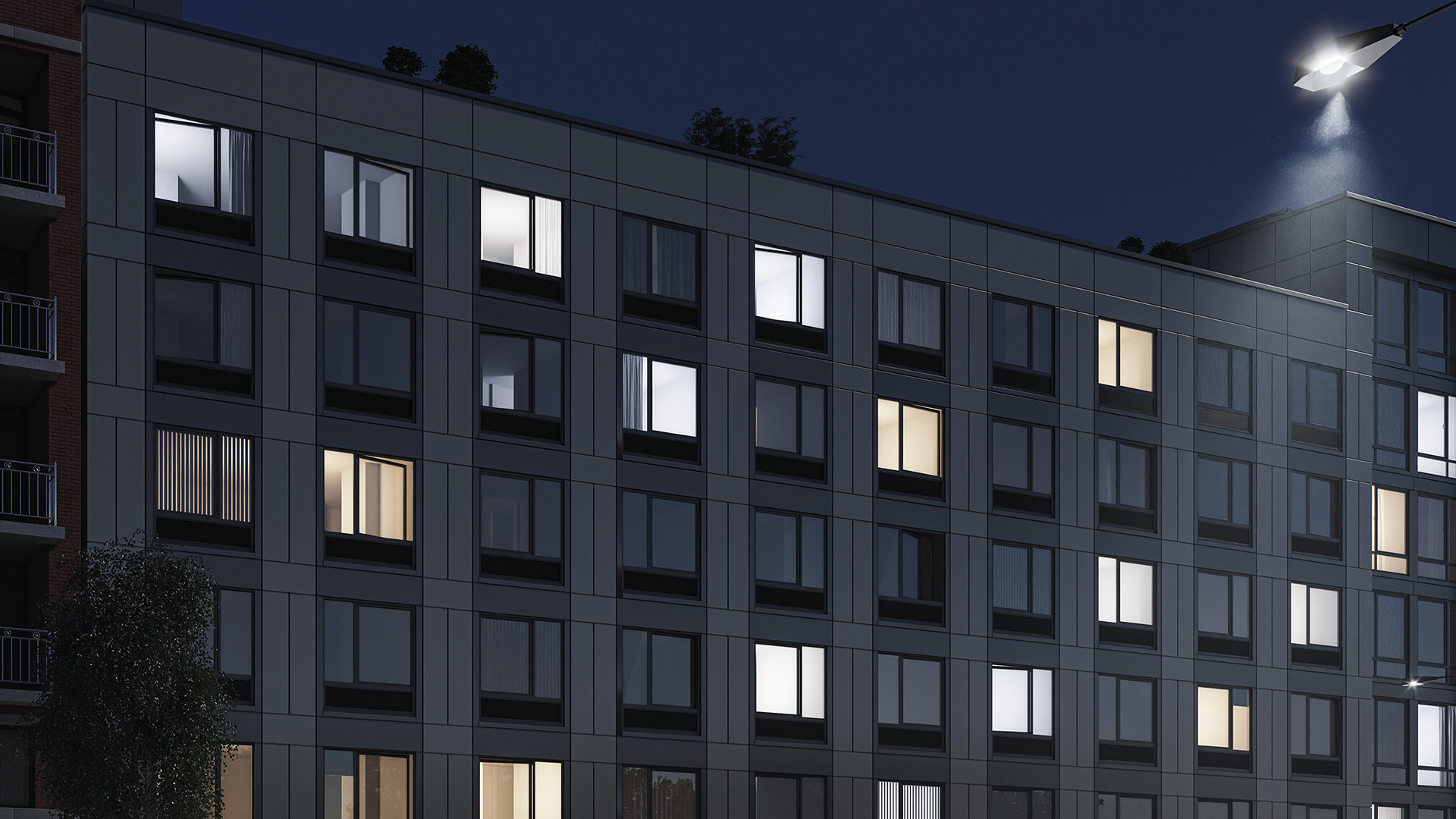


A curtain wall in Revit is a non-load-bearing exterior wall system modeled using Revit's curtain wall system families or loadable curtain panel families. It is defined by a grid of panels and mullions attached to the building envelope and is typically used for glass and metal facade systems, spandrel assemblies, and unitized exterior wall panels.
This reference covers the full curtain wall workflow in Revit — how system families work, how to set up grids and panels, where documentation is generated, and what breaks when teams push this workflow past its design intent.
How Revit Models Curtain Walls
Revit treats curtain walls as a specialized wall type with three components: the grid pattern, the panel families that fill each grid cell, and the mullion profiles that define the joints between panels.
System curtain wall families generate the grid and panel geometry automatically from parameters. You define the panel module and mullion profile — Revit creates the repeating pattern across the wall surface. This approach works well for regular, repetitive facades with standard panel sizes and consistent joint profiles.
Loadable curtain panel families allow more control over individual panel types. Instead of the system family generating all panels from a single type, you can assign different loadable families to specific grid cells — different vision glass types, spandrel panels, solid panels, operable windows. This is closer to how facades actually work in practice, where the panel mix varies across the elevation.
For a detailed comparison of when to use each approach, see Revit Curtain Wall System vs Loadable Families.
Setting Up a Curtain Wall Grid
The grid is the structural logic of a curtain wall model. It defines the panel module, the horizontal and vertical joint positions, and the anchor layout. In Revit, grids can be defined by fixed spacing, by equal division, or manually — individual grid lines added, removed, or repositioned.
For facade work, the critical decisions at grid setup are:
Panel module. The panel module — width and height of each grid cell — determines the panel count, the fabrication unit size, and the anchor layout. Changes to the panel module after the structural grid is set require coordination with the structural engineer because anchor positions shift. Lock the panel module at schematic design and document the decision.
Grid origin. Where the grid starts relative to a building reference — a column center, a corner, a floor line — determines whether the grid aligns correctly at transitions, corners, and terminations. Teams that defer the grid origin decision to design development create misalignment problems that are expensive to resolve.
Corner treatment. The standard curtain wall grid does not handle corner conditions correctly for unitized systems. Corner panels require dimensional offsets for crane installation, inter-panel joint alignment, and structural anchor coordination that must be resolved at design — not in the field. See Curtain Wall Corners in Revit for the full coordination requirements.
Panel Types and Assignments
By default, Revit assigns one panel type to all cells in the grid. To use multiple panel types — spandrel panels at floor lines, different glass specs by orientation, solid panels at mechanical zones — you override the default by selecting individual cells and assigning different panel families.
The panel mix is typically driven by the facade design intent: vision glass to meet daylight requirements, spandrel panels to conceal floor slabs, solid panels or louvers for mechanical openings. For background on the spandrel vs vision glass distinction, see Spandrel Panel vs Vision Glass: What Architects Need to Know.
In standard Revit, the panel assignment workflow is manual — select cells, assign panel type, adjust the mix, repeat. On facades with hundreds or thousands of panels across multiple elevations, this process is where teams lose significant time. A rule-based approach — spandrel automatically at every floor line, vision glass otherwise — is more reliable than cell-by-cell assignment.
Mullions
Mullions in Revit are profiles assigned to grid lines. They define the joint geometry between panels: the shape, size, and material of the junction between adjacent panels.
Standard Revit mullion families cover most stick-built curtain wall profiles. For unitized systems, the mullion representation is different: a unitized system does not have continuous field-installed mullions. Instead, the panel-to-panel joint is defined by the panel frame geometry itself. Representing a unitized joint accurately in Revit requires either a custom mullion family matched to the panel frame profile, or a modeling approach that steps outside Revit's standard mullion logic entirely.
This distinction matters for schedules, quantities, and fabrication coordination. A model that uses standard Revit mullions to represent a unitized system will generate inaccurate takeoffs and create coordination problems during shop drawing preparation. For the full technical reference on mullion family types and parameters, see the Autodesk Revit documentation.
Schedules and Documentation
Revit generates curtain panel schedules from the panel families in the model. A curtain panel schedule can include panel type, mark, dimensions, area, glass type, and any custom parameters the panel family contains.
For a complete facade schedule — panel count, vision glass area, spandrel area, glazing ratios, Light and Air calculations — see How to Automate Facade Schedules in Revit and Light and Air Calculations for Building Facades.
The most common schedule quality issue is that custom parameters added to panel families don't appear in the schedule unless explicitly added to the schedule view. Teams regularly arrive at construction document stage with an incomplete schedule because project-specific data was tracked in spreadsheets rather than model parameters. Setting up the schedule parameters at design development — before the panel mix is finalized — prevents this.
Common Mistakes
Modeling at the wrong LOD. Curtain walls are routinely over-modeled at early design stages, with teams adding mullion profiles, panel finishes, and hardware at schematic design. This creates a maintenance burden — every design change requires updating model elements that aren't needed until design development or later. For guidance on LOD by project phase, see LOD in BIM: What LOD 100, 200, 300, and 400 Mean and What LOD Do Architects Actually Need for Facade Design? The BIMForum LOD Specification is the authoritative industry reference for LOD definitions used across AEC practice.
Using system families for unitized work. Revit's system families represent a stick-built logic — continuous panels divided by mullions. Applying them to unitized facade projects produces a model that looks correct at the elevation level but contains geometry that doesn't match fabrication requirements, particularly at corners, panel interfaces, and building transitions.
Not setting the grid origin. Teams that let the grid origin default to the wall start point create grids that don't align at corners and terminations. The grid origin should be set explicitly relative to a reference grid line or column center at schematic design.
Manual panel assignment at scale. Assigning panel types cell-by-cell is slow and error-prone on facades with high panel counts. Assignment logic should be rule-based where possible to reduce manual work and errors.
Plugins and Tools That Extend Revit Curtain Wall
The standard Revit curtain wall workflow handles most stick-built facade work. For unitized systems, parametric facade design, or high-iteration design workflows, plugins extend what's possible in Revit.
Kora Studio is a Revit-native plugin that automates the design-phase facade workflow — grid setup, panel assignment, facade schedules, and parametric iteration — specifically for unitized curtain wall and facade systems. It reduces the time between design iteration and model update, and generates panel schedules that match fabrication requirements. Teams using Kora report 68% faster design iterations and 84% fewer RFIs compared to standard manual workflows. See How to Create a Facade Grid in Revit for a walkthrough.
AGACAD Curtain Walls focuses on fabrication-phase work — shop drawing generation and LOD 400 documentation. It is complementary to design-phase tools rather than a replacement for them.
Dynamo and Rhino.Inside Revit enable custom parametric workflows through scripting. They have a higher setup cost than purpose-built plugins but provide more flexibility for non-standard facade geometries.
For a full comparison, see Best Revit Plugins for Facade Design in 2026. To see Kora Studio in context, book a demo.
FAQ
What is a curtain wall in Revit?
A curtain wall in Revit is a non-load-bearing exterior wall system modeled using Revit's curtain wall system families or loadable curtain panel families. It is defined by a grid of panels and mullions and is used to represent glass and metal facade systems, spandrel assemblies, and unitized exterior wall panels.
What is the difference between a system curtain wall family and a loadable curtain panel family in Revit?
System families generate the full curtain wall from parameters — grid spacing, panel type, mullion profile — applied uniformly across the wall. Loadable families allow different panel types to be assigned to individual grid cells. Most facade projects use both: the system family defines the base grid and default panel, and loadable families are assigned to specific cells for spandrel panels, different glass types, or solid panels.
How do you create a curtain panel schedule in Revit?
Create a Curtain Panel schedule view from the View menu. Add the parameters you need — Type, Mark, Width, Height, Area, glass type. For a complete facade schedule including glazing ratios and Light and Air calculations, custom parameters must be added to the panel families before the schedule is built.
Can Revit curtain wall families be used for unitized panel systems?
Revit's built-in curtain wall families represent a stick-built system logic. They can approximate the appearance of unitized systems but don't accurately represent the panel-to-panel joint geometry, installation sequencing, or dimensional offset logic that unitized fabrication requires. For unitized work, custom panel families or a dedicated plugin like Kora Studio provides a more accurate representation.
What LOD should curtain walls be modeled at in schematic design?
LOD 100 — massing geometry that correctly represents the panel module, grid origin, and corner conditions. Mullion profiles, panel finishes, and hardware details belong to LOD 300–400 and should not be modeled at schematic design stage.
What are the most common curtain wall coordination failures in Revit?
Grid origin not set explicitly (causes misalignment at corners and terminations), system families applied to unitized work (produces geometry that doesn't match fabrication), over-modeling at early phases (creates maintenance burden with every design change), and manual panel assignment on high-count facades (slow and error-prone).







