




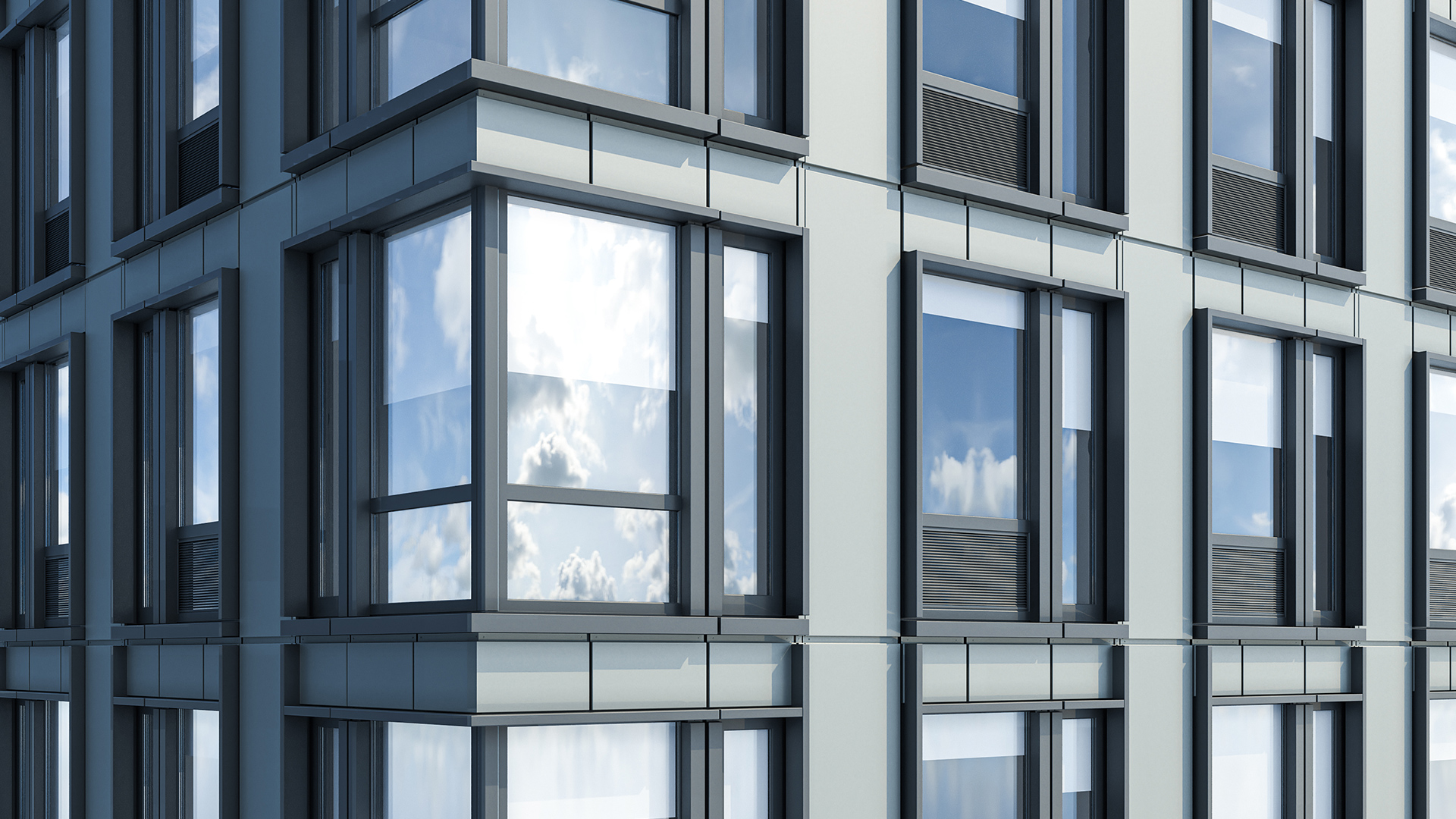


Kora Studio and FenestraPro are both Revit add-ins for facade work, but Kora Studio and FenestraPro solve fundamentally different problems. Kora Studio automates facade design iteration — panel layout, module rhythm, material zones, and model coordination from LOD 100 through LOD 300. FenestraPro analyzes facade performance — thermal heat loss, solar heat gains, daylight factors, and glazing specification from a database of 1,000+ IGU products.
The distinction matters because architecture teams that buy a performance analysis tool expecting faster design iteration end up with the same coordination bottleneck. And teams that rely on design tools alone ship facades without validating energy compliance. Kora Studio and FenestraPro answer different questions at different project moments — and on facade-heavy projects, both questions need answers.
What FenestraPro Does (and Does Well)
FenestraPro — founded in Dublin in 2012, now with offices in London and New York — is a facade performance analysis platform built on Revit's Energy Analysis Model. Autodesk recognizes FenestraPro as both an AEC Industry Partner and a Sustainability Tech Partner. Six of the top ten global architecture firms use FenestraPro, including SOM, AECOM, HKS, and Jacobs.
FenestraPro's core strength is glazing optimization. FenestraPro for Revit lets architects search, filter, and auto-specify glazing products from a database of 1,000+ insulated glass units (IGUs) by SHGC, visible light transmittance, and U-value. FenestraPro calculates window-to-wall ratio (WWR) per facade or whole building, quantifies thermal heat loss for each envelope component, computes passive solar heat gains by orientation, and measures design daylight factor per space.
FenestraPro also handles shading analysis — including the impact of surrounding buildings — with year-round animated visualization. FenestraPro checks prescriptive thermal code compliance by project location and exports BIM data to Excel for COMcheck reporting. For architects working toward energy targets, FenestraPro answers a critical question: will this facade system meet thermal and daylight performance requirements before the project reaches engineering review?
The Problem FenestraPro Wasn't Built to Solve
FenestraPro analyzes the performance of a facade configuration that already exists in the Revit model. FenestraPro does not generate that configuration, does not iterate on panel layout, and does not coordinate the model when the facade direction changes. AEC Magazine's review describes FenestraPro as a "lightweight, responsive engine designed for iteration" — but that iteration is analytical, not geometric.
When a principal asks for three facade directions by Friday, FenestraPro cannot help generate those options. When a client changes the panel rhythm on Wednesday, FenestraPro cannot update the module grid. When the design team needs to swap material zones across 150 panels simultaneously, FenestraPro's scope ends at analyzing the thermal impact — not executing the change. The design iteration itself — rebuilding grids, retagging panels, repairing schedules — still happens manually in Revit.
Architecture teams that hit the design iteration bottleneck first need a tool that accelerates the creation of viable facade options before those options can be analyzed for performance.
What Kora Studio Does Instead
Kora Studio is a Revit-native facade design workflow that automates the part of the process FenestraPro does not cover — creating, iterating, and coordinating facade options from LOD 100 through LOD 300 inside Revit. Kora Studio does not calculate thermal performance, does not analyze glazing U-values, and does not check energy code compliance. Kora Studio keeps facade design fast and coordinated while the design is still moving.
Kora Studio's three editors — Grid Editor, Window Editor, and Panel Editor — handle different parts of the design-phase problem. Kora Studio Grid Editor controls panel spacing, module rhythm, and grid logic across the entire facade. Kora Studio Panel Editor applies material zones and swaps configurations across hundreds of panels without rebuilding the curtain wall. Kora Studio Window Editor manages opening placement, sizes, and parameters. Together, these three editors produce coordinated Revit models with accurate geometry and scheduling — ready for performance analysis tools like FenestraPro to validate.
Architecture teams using Kora Studio report 68% faster design iterations, 84% fewer RFIs, and $42,000 saved per project on average — with savings scaling based on curtain wall scope, number of design iterations, and team size. Those savings come from catching buildability and coordination problems during the design phase, before late-stage redesigns cascade into rework. The facade design in Revit guide on the Kora Studio blog covers how fast iteration works without losing creative control.
A Real Scenario: Three Directions by Friday
On a mixed-use tower project, the design team needs three facade directions ready for a stakeholder review on Friday. Each direction requires different panel rhythms, glazing ratios, and material zones. In a standard Revit workflow, producing those three options takes 2–3 days of manual curtain wall modeling, grid adjustments, and documentation cleanup.
With Kora Studio, generating those three facade directions takes hours instead of days. Kora Studio Grid Editor sets up the module logic for each option. Kora Studio Panel Editor distributes material zones per direction. The Revit model stays coordinated across all three — schedules, tags, and documentation update automatically. By Wednesday, three buildability-aware facade options exist in Revit.
On Thursday, the team runs all three options through FenestraPro. FenestraPro analyzes each direction's window-to-wall ratio, thermal performance, and daylight factor. FenestraPro flags that Direction B exceeds the solar heat gain threshold on the south facade. The team adjusts glazing specification in FenestraPro, validates the fix, and presents three performance-verified options on Friday.
Kora Studio produced the options. FenestraPro validated them. Without Kora Studio, the team would still be building Option 2 on Thursday — with no time left for performance analysis. Without FenestraPro, the team would present options with no energy data to defend. Both tools contributed, at different moments.
FenestraPro vs Kora Studio — At a Glance
- Core function: Kora Studio — facade design iteration and coordination / FenestraPro — facade performance analysis and glazing optimization
- LOD range: Kora Studio — LOD 100 → LOD 300 / FenestraPro — LOD 200 → LOD 300 (analysis of existing geometry)
- Primary users: Kora Studio — architects, designers, BIM managers / FenestraPro — architects, sustainability consultants, engineers
- Typical output: Kora Studio — coordinated design model with schedules / FenestraPro — thermal reports, glazing specs, daylight data, COMcheck exports
- When each tool helps: Kora Studio — creating and iterating facade options / FenestraPro — validating and optimizing facade performance
- Pricing: Kora Studio — early access (contact sales) / FenestraPro — $29–$149/month depending on tier
Can You Use Both?
On facade-heavy projects, using Kora Studio and FenestraPro together covers the full concept-to-validation workflow inside Revit. Kora Studio handles the design side — fast iteration, model coordination, and buildability awareness from LOD 100 through LOD 300. FenestraPro handles the performance side — thermal analysis, glazing optimization, daylight verification, and code compliance checks on the same Revit model.
Kora Studio and FenestraPro are complementary tools, not competing tools. Kora Studio produces the coordinated facade geometry that FenestraPro needs to analyze. FenestraPro produces the performance data that informs the next round of design decisions in Kora Studio. On projects where energy compliance matters — and on any project targeting sustainability certification — running both tools sequentially shortens the feedback loop between "does this facade look right" and "does this facade perform right." The design-to-fabrication gap article on the Kora Studio blog explains how coordinated design-phase output reduces downstream surprises.
Which One Is Right for You?
Choose FenestraPro if the architecture team already has facade geometry modeled in Revit and needs to analyze thermal performance, optimize glazing specification from manufacturer databases, check window-to-wall ratios against code requirements, or produce COMcheck-ready data. FenestraPro is purpose-built for that analytical work.
Choose Kora Studio if the team's bottleneck is creating and iterating facade options — not analyzing their performance. When the design direction changes weekly, when principals request new panel rhythms mid-review, and when the team spends more time rebuilding Revit grids than designing facades, Kora Studio solves that coordination problem. The Revit add-ins for architects comparison covers how different tools fit different workflow phases.
For teams that need both faster design iteration and performance validation, booking a Kora Studio demo takes 30 minutes and shows how Kora Studio's output feeds directly into performance analysis workflows. See the full range of Kora Studio use cases for architects, designers, and BIM managers working on facade-heavy projects.
FAQ
Does Kora Studio replace FenestraPro?
No. Kora Studio automates facade design iteration and model coordination inside Revit. FenestraPro analyzes facade thermal performance, glazing specification, and daylight factors. Kora Studio creates and iterates the facade geometry that FenestraPro then analyzes — the two tools solve different problems at different project moments.
Can Kora Studio analyze glazing thermal performance?
No. Kora Studio does not calculate U-values, solar heat gain coefficients, or daylight factors. Kora Studio focuses on facade design speed — panel layout, material zones, module rhythm, and Revit model coordination. For thermal and daylight analysis, architecture teams use FenestraPro or similar performance tools on the Revit model Kora Studio produces.
Does FenestraPro help with facade design iteration speed?
FenestraPro accelerates performance analysis iteration — testing different glazing specs, WWR ratios, and shading configurations quickly. FenestraPro does not accelerate geometric design iteration — changing panel layouts, rebuilding curtain wall grids, or swapping material zones across the model. That geometric iteration is what Kora Studio automates.
Who is Kora Studio designed for?
Kora Studio is designed for architects, designers, and BIM managers working on facade-heavy projects — multifamily residential, mixed-use developments, and large curtain wall scopes — who need faster design iterations inside Revit without losing creative control or model coordination.
What does FenestraPro cost compared to Kora Studio?
FenestraPro pricing starts at $29/month for Forma Envelope Analysis and goes up to $149/month for FenestraPro Premium (includes Revit integration, detailed thermal analysis, and carbon benchmarking). Multi-user plans reduce per-seat cost to $19–$49/month. Kora Studio is in early access — contact Kora Studio sales for current pricing.


