




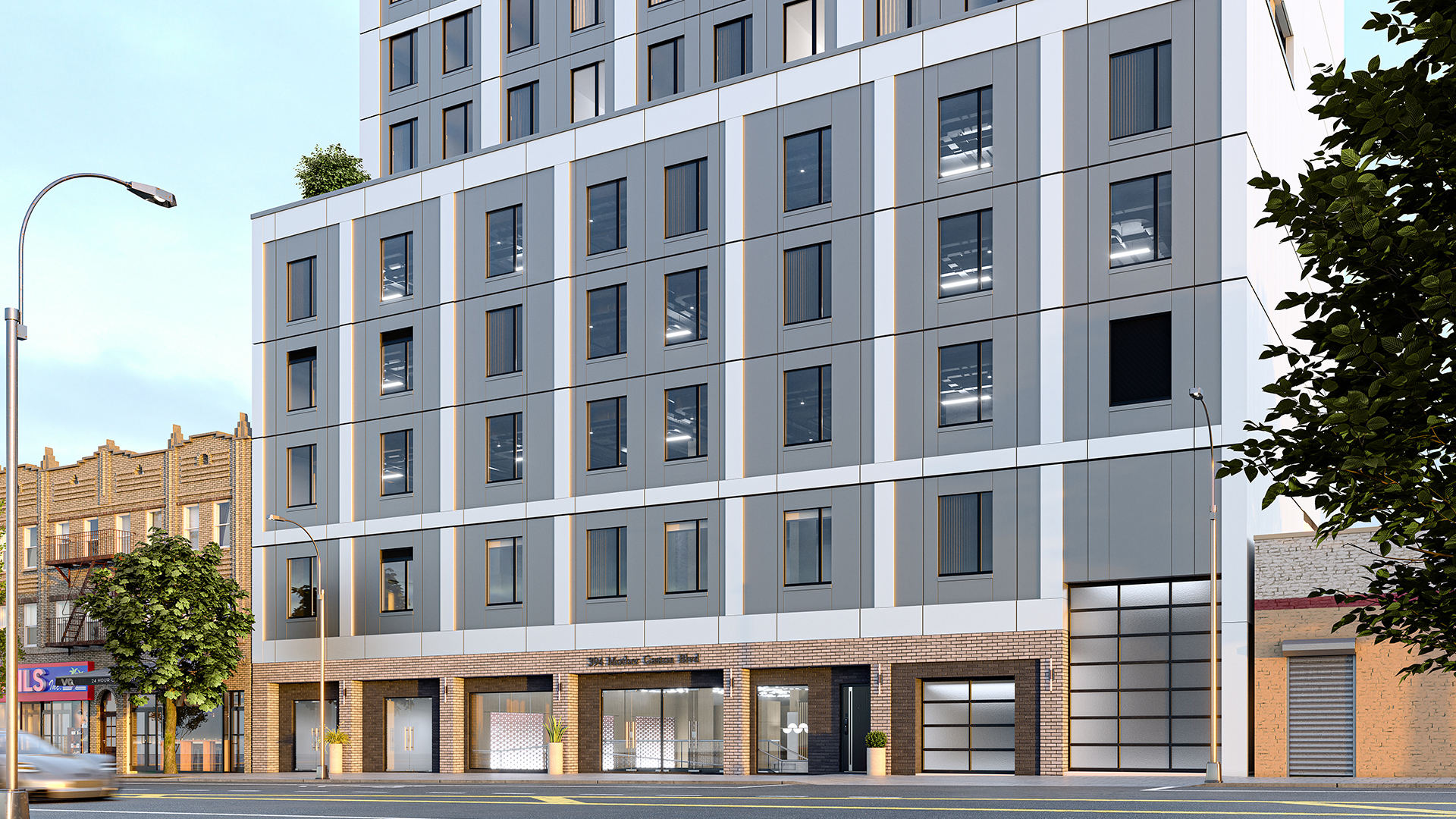


pyRevit is a free, open-source rapid application development environment for Autodesk Revit — created by Ehsan Iran-Nejad and maintained by a global community — that ships with hundreds of productivity tools for sheet management, parameter editing, selection filtering, batch operations, and model auditing. Kora Studio is a Revit-native facade design workflow that automates panel layout, module rhythm, material zones, and model coordination from LOD 100 through LOD 300. pyRevit makes individual Revit tasks faster. Kora Studio makes the facade design process faster.
Architecture teams sometimes group pyRevit and Kora Studio together as "Revit add-ins," but pyRevit and Kora Studio solve problems at completely different scales. pyRevit saves minutes on repetitive clicks — renumbering sheets, color-coding tabs, batch-editing parameters. Kora Studio saves days or weeks on facade rework cycles — the coordination drift, schedule breakage, and documentation repair that happen every time a facade direction changes mid-design. Understanding that scale difference is the key to choosing the right tool.
What pyRevit Does (and Does Well)
pyRevit is a legendary tool in the Revit community — free, open-source, and actively maintained since its first release. pyRevit adds custom buttons to the Revit ribbon that execute Python scripts for tasks Autodesk never built into Revit natively. pyRevit supports all Revit versions through 2025 in a single release, making it easy for firms to standardize one pyRevit version across multiple Revit year versions.
pyRevit's built-in tools cover general Revit productivity across every discipline. Key pyRevit features include batch sheet renumbering, colorized view tabs for organizing open views, selection memory and filters, parameter batch editing, fill pattern creation, and Colorsplasher — a tool that color-codes elements by any parameter value. pyRevit's Preflight Checks extension scans Revit models for CAD cleanliness issues, naming convention violations, and coordinate inconsistencies across linked models.
Beyond built-in tools, pyRevit serves as a development platform. BIM managers write custom Python scripts that run inside Revit — automating firm-specific workflows, data extraction routines, and quality control checks. pyRevit's extension ecosystem includes dozens of community-contributed tool packages that any team can install and customize.
What pyRevit Does Not Address
pyRevit is a horizontal productivity toolkit — pyRevit makes existing Revit tasks faster but does not change how architects design facades. pyRevit has no tools for facade panel layout, no curtain wall grid editor, no material zone manager, no facade scheduling automation, and no buildability validation for facade systems. pyRevit's scope is task-level efficiency: clicking fewer buttons, batch-processing more elements, and automating repetitive sequences.
When a facade direction changes mid-project — a new panel rhythm, revised material zones on floors 4 through 8, a different module spacing across the south elevation — pyRevit cannot update the facade grid, redistribute material assignments, or keep the model coordinated through that change. pyRevit can help rename the resulting sheets faster or batch-edit the parameters that broke. But the facade rework itself — rebuilding curtain wall grids, retagging panels, repairing schedules that no longer match the Revit model — still happens manually.
Architecture teams whose biggest time loss is facade rework and coordination drift need more than task-level productivity. Those teams need a tool that addresses the facade iteration bottleneck directly — at the workflow level, not the click level.
What Kora Studio Does Instead
Kora Studio is a Revit-native facade design workflow that operates at the process level — not the task level. Kora Studio does not batch-edit parameters, does not manage sheets, and does not audit model quality. Kora Studio automates the facade-specific iteration cycle that causes the largest time losses on facade-heavy projects: creating panel layouts, exploring material zones, adjusting module rhythm, and keeping the Revit model coordinated through every design change from LOD 100 through LOD 300.
Kora Studio's three editors — Grid Editor, Window Editor, and Panel Editor — target the specific tasks that trigger facade rework in Revit. Kora Studio Grid Editor controls panel spacing and module rhythm across the entire facade — the task that, when done manually, takes hours and breaks downstream documentation. Kora Studio Panel Editor applies and swaps material zones across hundreds of panels simultaneously — the task that, when done manually, requires retagging every affected panel. Kora Studio Window Editor manages opening placement, sizes, and parameters — the task that, when changed mid-design, cascades into schedule and curtain wall coordination failures.
Architecture teams using Kora Studio report 68% faster design iterations, 84% fewer RFIs, and $42,000 saved per project on average — with savings scaling based on curtain wall scope, number of design iterations, and team size. Those savings come from eliminating facade rework cycles, not from clicking faster. The facade design in Revit guide covers how Kora Studio's workflow-level approach differs from task-level automation.
Minutes vs Weeks — The Scale Difference
On a 15-story mixed-use project with a curtain wall facade across three elevations, the design team faces two types of time loss during a typical design cycle.
Task-level time loss (pyRevit territory): Renumbering 40 facade detail sheets after a set reorganization takes 45 minutes manually. pyRevit's batch renumbering tool completes that task in 2 minutes. Savings: 43 minutes. Valuable and real — but the sheets needed renumbering because the facade changed, not because the numbering tool was slow.
Process-level time loss (Kora Studio territory): The principal requests revised panel rhythm and material zones on the south and east elevations — a mid-design change that affects 280 panels across two facades. In a manual Revit workflow, rebuilding the curtain wall grid, reapplying material assignments, retagging every affected panel, and repairing schedules that broke during the change consumes 2–3 full working days. With Kora Studio, Kora Studio Grid Editor and Panel Editor complete that same iteration in under an hour — with coordinated documentation updating automatically.
pyRevit saved 43 minutes on the downstream consequence. Kora Studio saved 2–3 days on the root cause. Both tools delivered value. But the scale of impact — minutes vs days — reflects the fundamental difference between task-level productivity and workflow-level facade automation. The design-to-fabrication gap article on the Kora Studio blog explains how process-level coordination prevents the rework that creates task-level cleanup in the first place.
pyRevit vs Kora Studio — At a Glance
- Core approach: Kora Studio — facade design workflow / pyRevit — general Revit productivity toolkit
- Scope: Kora Studio — facade-specific (LOD 100–300) / pyRevit — all Revit disciplines (horizontal)
- Problem solved: Kora Studio — facade rework cycles and coordination drift / pyRevit — repetitive clicks and batch operations
- Scale of impact: Kora Studio — days to weeks per project / pyRevit — minutes to hours per task
- Skill required: Kora Studio — any Revit user / pyRevit — Revit users (built-in tools) + Python developers (custom scripts)
- Primary users: Kora Studio — architects, designers, BIM managers / pyRevit — BIM managers, power users, Python developers
- Cost: Kora Studio — early access (contact sales) / pyRevit — free, open-source
Can You Use Both?
Absolutely — and most teams should. pyRevit and Kora Studio do not overlap in scope. pyRevit handles the general Revit productivity layer — batch operations, model auditing, parameter management, sheet tools, and custom Python automation across every discipline. Kora Studio handles the facade-specific workflow layer — panel iteration, material zone management, grid coordination, and buildability-aware design output from LOD 100 through LOD 300.
Running pyRevit and Kora Studio together means the team gets both task-level speed (pyRevit) and process-level facade automation (Kora Studio). pyRevit cleans up the small inefficiencies across every Revit workflow. Kora Studio eliminates the large inefficiencies specific to facade design. The Revit add-ins for architects comparison explains how productivity tools and workflow systems serve different but complementary roles.
Which One Is Right for You?
Choose pyRevit if the architecture team needs faster general Revit operations — batch editing, sheet management, model auditing, parameter automation, and custom Python scripting for firm-specific workflows. pyRevit is free, open-source, and genuinely valuable for every Revit user.
Choose Kora Studio if the team's biggest time loss is facade rework — when every design change triggers hours of grid rebuilding, panel retagging, and schedule repair. Kora Studio addresses the facade iteration cycle directly, at the workflow level, without requiring Python scripting or custom development.
For teams experiencing both general Revit friction and facade-specific rework, booking a Kora Studio demo takes 30 minutes and shows how facade workflow automation complements general productivity tools. See the full range of Kora Studio use cases for architects, designers, and BIM managers on facade-heavy projects.
FAQ
Does Kora Studio replace pyRevit?
No. Kora Studio and pyRevit solve different problems. pyRevit accelerates general Revit tasks — sheets, parameters, selections, model auditing. Kora Studio automates facade-specific design iteration — panel layout, material zones, module rhythm, and model coordination. Most teams benefit from running both tools simultaneously.
Can pyRevit automate facade design iteration?
pyRevit can execute custom Python scripts that modify curtain wall elements in Revit. However, building and maintaining facade-specific scripts in pyRevit requires Python development skill, ongoing maintenance, and manual coordination logic. Kora Studio provides that facade automation through guided interfaces — Grid Editor, Panel Editor, and Window Editor — without scripting.
Is pyRevit free?
Yes. pyRevit is free and open-source, created by Ehsan Iran-Nejad and maintained by a global community. pyRevit ships with hundreds of built-in productivity tools and supports custom Python script development at no cost.
What scale of time savings does Kora Studio provide compared to pyRevit?
pyRevit saves minutes to hours on individual Revit tasks — batch operations, parameter editing, sheet management. Kora Studio saves days to weeks per project on facade-specific rework — the grid rebuilding, panel retagging, and schedule repair that happen every time a facade direction changes. Architecture teams using Kora Studio report 68% faster design iterations and $42,000 saved per project on average.
Who is Kora Studio designed for?
Kora Studio is designed for architects, designers, and BIM managers working on facade-heavy projects — multifamily residential, mixed-use developments, and large curtain wall scopes — who need faster design iterations inside Revit without losing creative control or model coordination.


