




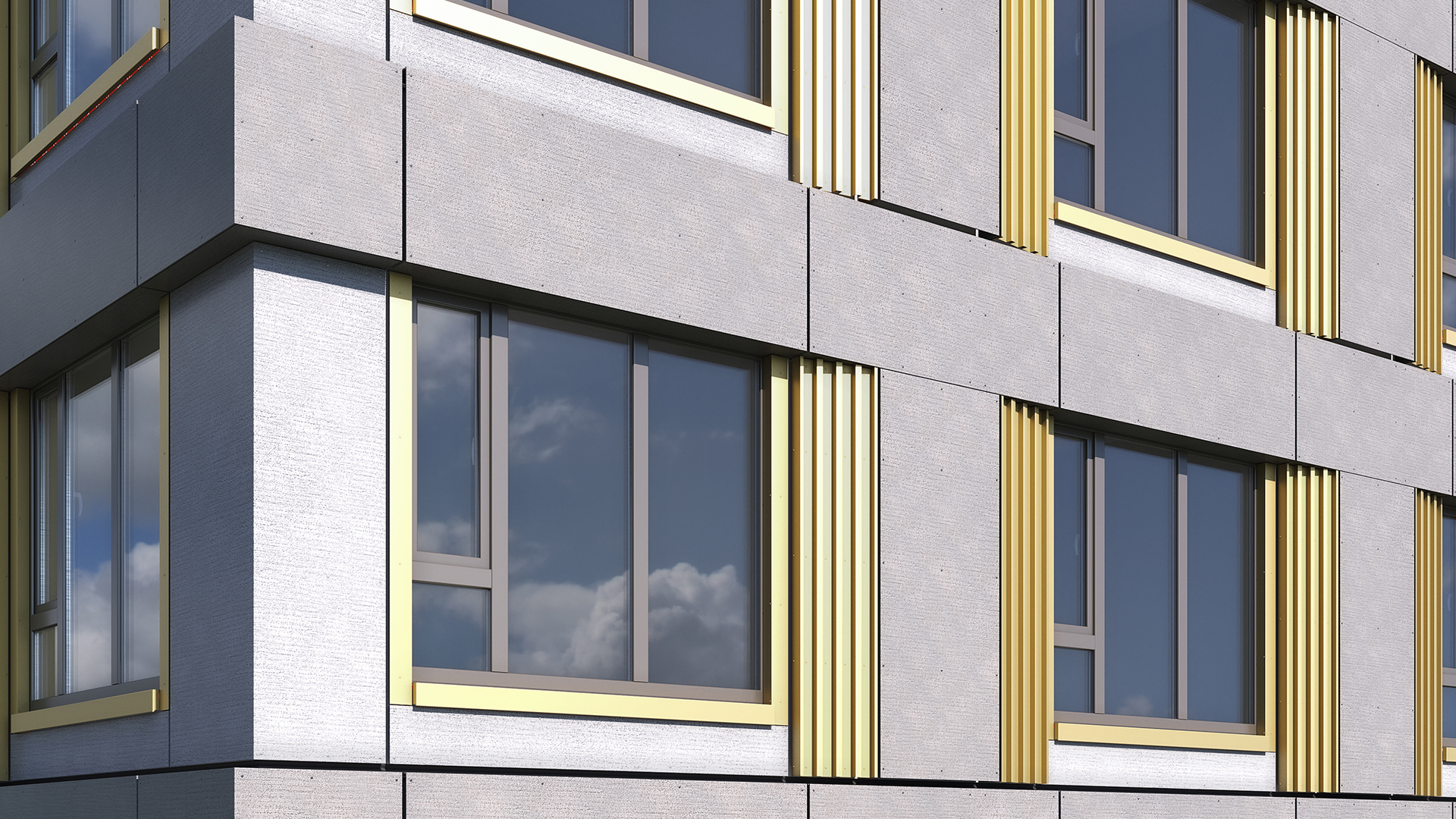


The term "curtain wall" gets used loosely in practice — sometimes to mean any large glazed facade, sometimes as a synonym for storefront, sometimes as a generic label for unitized cladding. That ambiguity creates real problems: specification errors, contractor confusion, incorrect Revit families, and ultimately, RFIs.
This guide defines curtain wall systems precisely, explains how they differ from storefront and window wall systems, covers the two main assembly types, and describes how curtain wall is represented and coordinated in Revit.
What Makes a Curtain Wall a Curtain Wall
A curtain wall system has three defining characteristics:
- Non-load-bearing. The curtain wall carries only its own self-weight and transfers lateral wind and seismic loads to the primary structure. It does not support floors, columns, or other structural elements.
- Multi-story span. Curtain wall systems typically span two or more floors, anchored at each floor slab via anchor brackets. This distinguishes them from storefront systems, which are typically single-story.
- Anchored to the structure, not set in a rough opening. Unlike windows or storefronts, curtain wall is attached directly to the slab edge or embed plates — there is no rough opening in the traditional sense.
The assembly consists of a framing grid (horizontal and vertical mullions) with infill panels — typically glazing, spandrel panels, or opaque cladding — inserted into the grid. The framing transfers all loads back to the anchor points.
Curtain Wall vs. Storefront vs. Window Wall
These three systems look similar in elevation but behave very differently in structure and specification.
Storefront
Storefront is a single-story, ground-level glazing system set within a framed rough opening. It is lighter in section, designed for pedestrian-level wind loads, and not intended for multi-story applications. Storefront is typically field-glazed and uses standard aluminum extrusions. It should not be specified where curtain wall performance is required.
Window Wall
Window wall spans floor-to-floor but is set into the slab opening rather than anchored to the slab face. The system bears on the slab below and is stabilized by the slab above. This makes it structurally different from curtain wall: it has a rough opening, it engages the slab differently, and its deflection behavior under load is distinct. Window wall is common in residential high-rise construction where slab-to-slab heights are consistent and cost efficiency is prioritized.
Curtain Wall
True curtain wall is anchored to the structural slab face or to embed plates. It is engineered to handle multi-story wind loads, seismic drift, and inter-story differential movement. The system is independent of slab openings. Curtain wall is the correct specification for commercial office towers, institutional buildings, and any facade where performance, tolerance, and long-term movement accommodation are critical.
For a direct comparison of spandrel and vision components within curtain wall assemblies, see spandrel panel vs. vision glass.
Unitized vs. Stick-Built Curtain Wall
Within the curtain wall category, two assembly methods dominate the market:
Stick-Built
In stick-built (or "field-assembled") curtain wall, individual mullions and panels are shipped separately to site and assembled piece by piece. This allows flexibility for irregular geometries but requires skilled field labor and extensive on-site coordination. Quality control is harder to enforce, and the assembly sequence is weather-dependent.
Unitized
In unitized curtain wall, complete panel units — framing, glazing, and cladding — are factory-assembled and shipped to site as finished modules. Installation is faster, quality control happens in the factory, and field labor is reduced to hanging and securing units. Unitized systems are dominant on high-rise commercial projects where speed and quality consistency are priorities.
For a detailed comparison of these two approaches, see unitized vs. stick curtain wall.
How Curtain Wall Is Represented in Revit
Revit handles curtain wall through a dedicated system family — separate from basic walls, and with its own logic for grids, panels, and mullions.
The core structure in Revit curtain wall is:
- Curtain Grid: A network of horizontal and vertical grid lines that subdivide the curtain wall face into panel cells. Grid spacing can be set as fixed distance, fixed number, or maximum spacing.
- Panels: Infill elements placed within each grid cell. Panels can be glazing panels, solid panels, or empty (no fill). In Revit, panels are loadable families or system panel types.
- Mullions: Structural framing members placed along grid lines. Mullions in Revit are a separate loadable family type and carry profile, material, and visibility parameters.
For a deeper look at how Revit's curtain wall system family compares to loadable curtain wall families, see Revit curtain wall system vs. loadable families.
Revit's curtain wall tools are capable but have known friction points: grids must be manually adjusted when panel sizes change, mullion profiles are constrained to specific types, and the system does not natively produce fabrication-ready outputs. For a full walkthrough of the modeling process, see how to model curtain wall in Revit.
Common Challenges on Curtain Wall Projects
Curtain wall coordination is among the most technically demanding tasks in facade design. Common failure points include:
- Slab edge conflicts. The anchor zone between the curtain wall frame and the structural slab edge is tight. Slab deflection, concrete tolerance, and embed location all affect anchor geometry. Coordination errors here are a leading source of field RFIs.
- Tolerance mismatches. Structural concrete tolerances (typically ±25 mm) are significantly looser than curtain wall fabrication tolerances (typically ±6 to ±12 mm). Without an explicit tolerance analysis and adjustable anchor design, the gap causes field problems.
- Incomplete or uncoordinated documentation. Curtain wall packages require coordinated anchor layouts, panel schedules, glazing schedules, and shop drawings. When these documents are developed in isolation, conflicts emerge late — often after fabrication has begun.
- Late design changes. A change to panel width, spandrel height, or anchor spacing late in design has downstream effects on every coordinated document. Without a parametric model, these updates require manual revisions across multiple drawing sets.
- MEP conflicts at the perimeter. Perimeter heating, ceiling heights, and mechanical penetrations all compete for space within the curtain wall zone. Facade-MEP coordination must happen before documentation is issued for fabrication.
For an in-depth look at how these issues generate RFIs and what can be done to reduce them, see why curtain wall projects generate so many RFIs.
Does Kora Studio Work with Curtain Wall Systems?
Kora Studio is a Revit-native plugin designed specifically for unitized curtain wall. It does not support stick-built systems, window wall, or storefront.
Within that scope, Kora replaces Revit's native curtain wall tools with an assembly-level workflow organized around three editors:
- Grid Editor: Sets horizontal and vertical grid layout using formula-driven dimension fields — the same logic as Revit's curtain grid, but with a more controlled interface and fewer manual adjustments required.
- Panel Editor: Defines each panel as either opaque or as a frame with a window. There are no full-glass panels in Kora — the system reflects how unitized panels are actually fabricated.
- Window Editor: Applies predefined window profiles within panels. Custom mullion profiles are not supported.
The model output feeds directly into Revit schedules, supporting quantity takeoffs and downstream coordination. Kora operates at LOD 100 — it is a design-phase tool, not a fabrication tool.
Kora is built by the team behind Dextall's prefab facade systems. The same assembly logic that governs real unitized panel production is embedded in the plugin's constraints and editors. Projects using Kora have reported 84% fewer RFIs and $42K in average savings per project, according to data published on the Kora website.
If your project involves unitized curtain wall and you want to reduce coordination friction early in design, book a demo to see how Kora fits into a standard Revit workflow.
FAQ
What is the difference between curtain wall and storefront? Storefront is a single-story system set in a rough opening, designed for ground-level applications. Curtain wall spans multiple floors, is anchored directly to the structural slab, and is engineered for higher wind loads, thermal performance, and movement accommodation. They use different framing sections, anchoring methods, and performance specifications.
What is the difference between curtain wall and window wall? Window wall is set into the slab opening (bearing on the slab below, stabilized by the slab above). Curtain wall is anchored to the slab face and is independent of the opening. This affects structural behavior, deflection tolerance, and installation sequence. Window wall is common in residential high-rise; curtain wall dominates commercial office construction.
What are the two main types of curtain wall assembly? Stick-built (field-assembled) and unitized (factory-assembled). Stick-built is more flexible for irregular geometry but requires skilled field labor and more on-site coordination. Unitized is faster to install, more consistent in quality, and better suited to repetitive high-rise facades where factory production adds efficiency.
How is curtain wall modeled in Revit? Revit uses a dedicated curtain wall system family with three main components: curtain grids (the subdividing lines), panels (the infill elements), and mullions (the framing members along grid lines). Each component has its own family type, parameter set, and visibility controls. The system is powerful but requires careful setup to produce consistent, coordinated documentation.
Does Kora Studio support all curtain wall types? No. Kora Studio supports unitized curtain wall only. It does not support stick-built systems, window wall, or storefront. Within the unitized curtain wall scope, it provides a Grid Editor, Panel Editor, and Window Editor that work inside Revit as a native plugin.







